







post
ROG Strix vs Extreme vs Apex vs Hero: What's the difference between ROG gaming motherboards?
post
ROG Z890 motherboard guide: meet the new contenders for your next gaming rig
The lowest price from 30 days before the promotion:





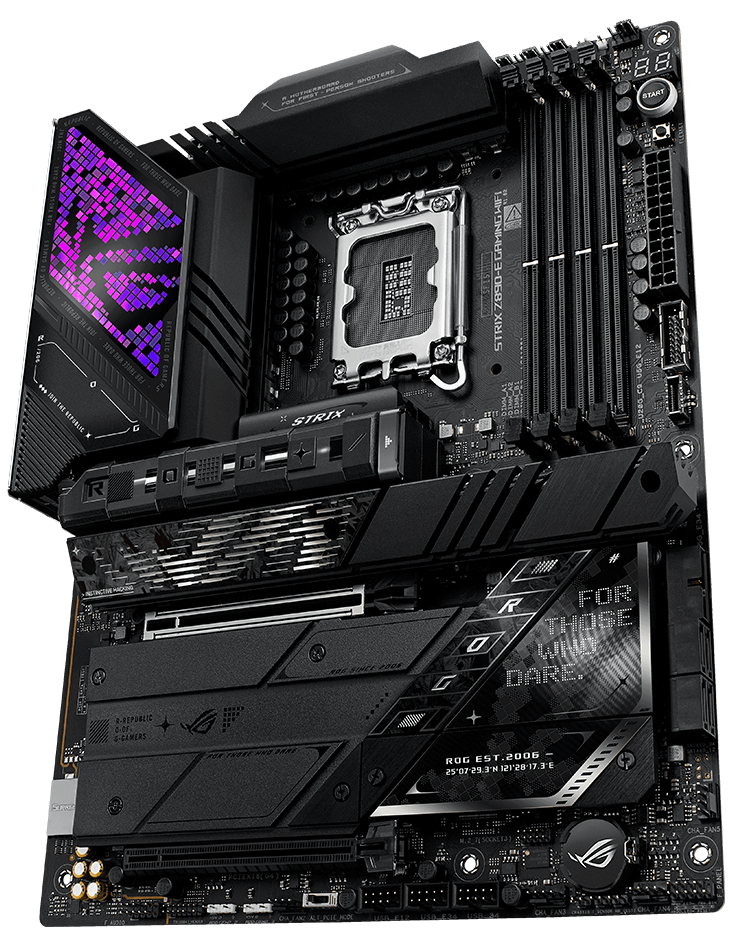
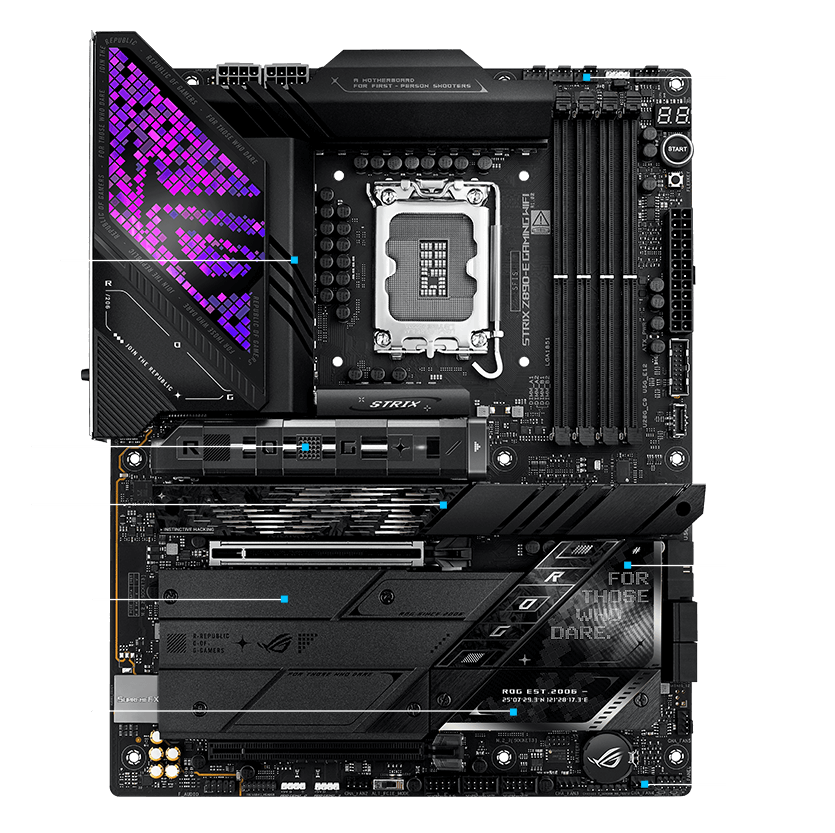
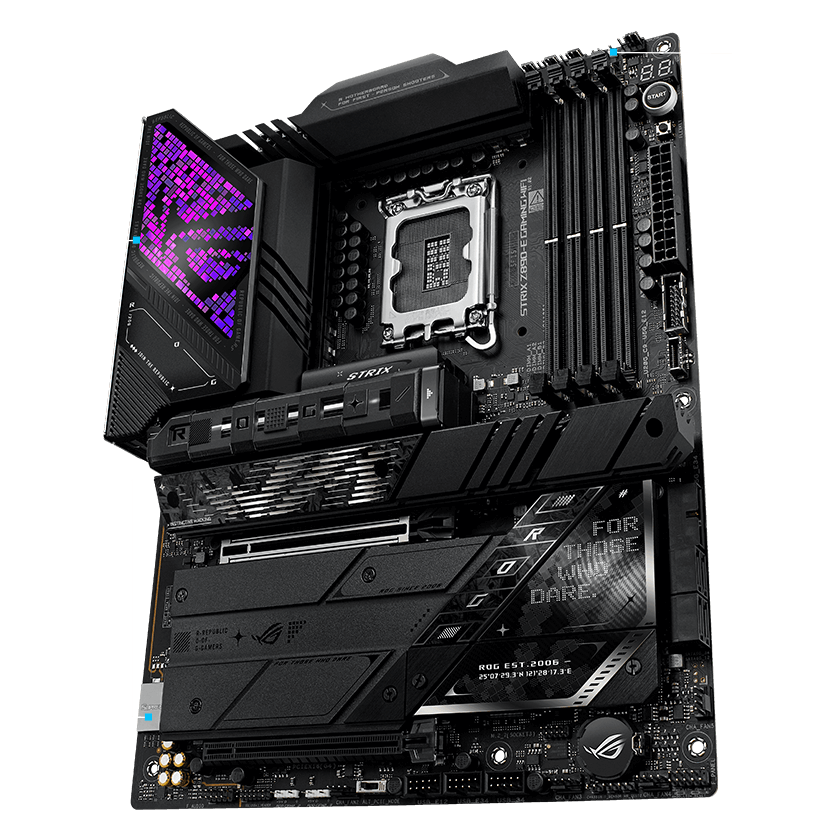
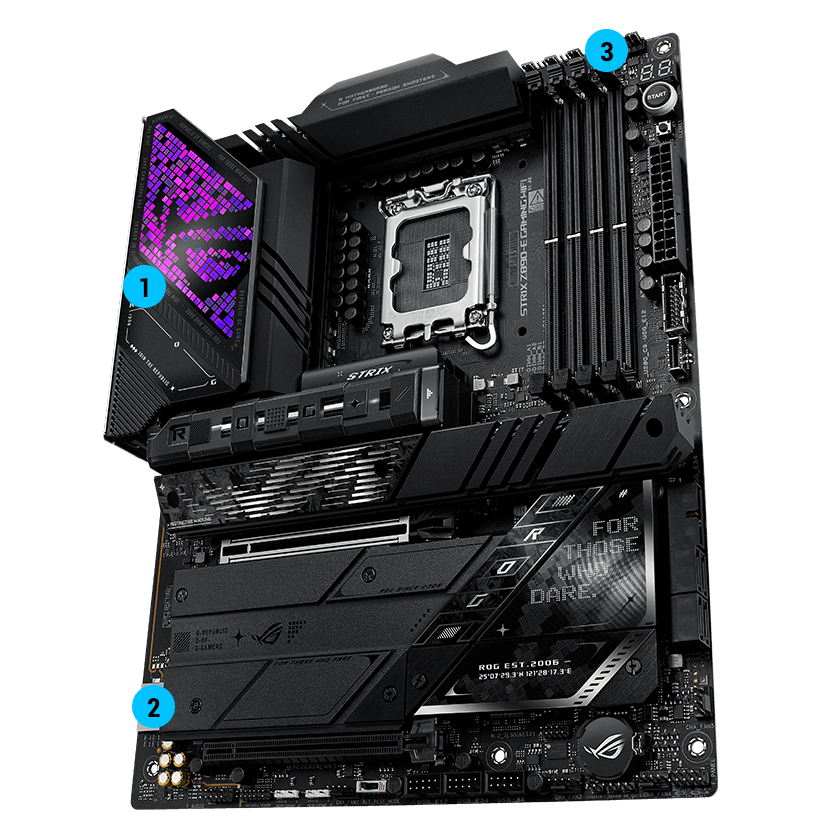
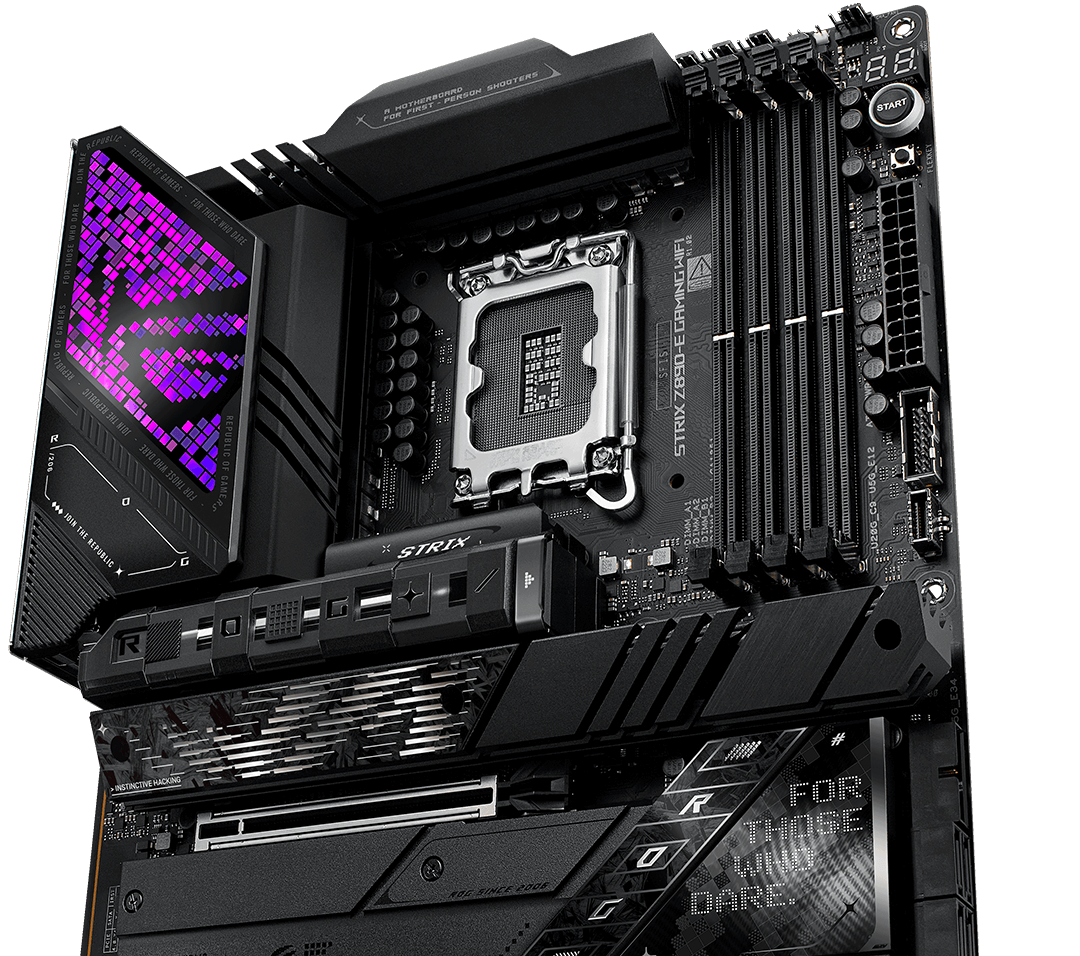
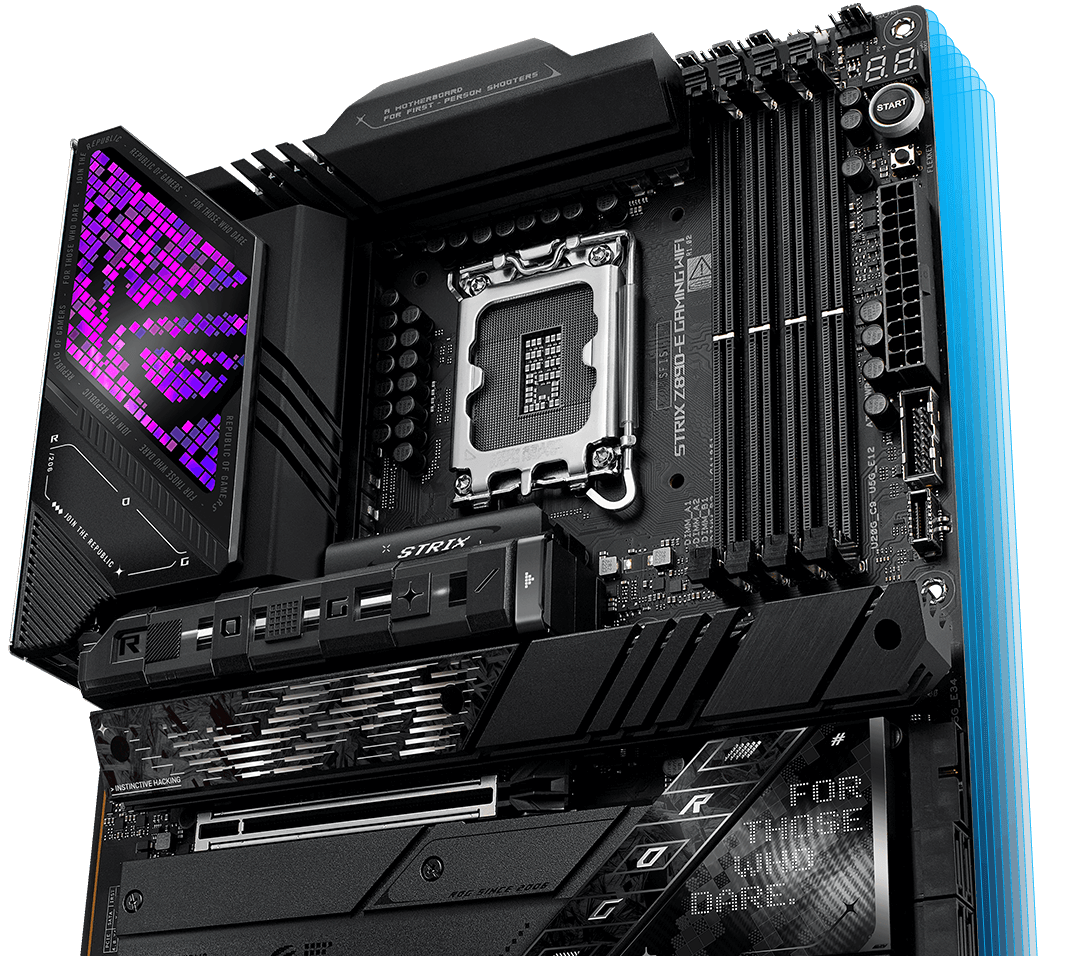
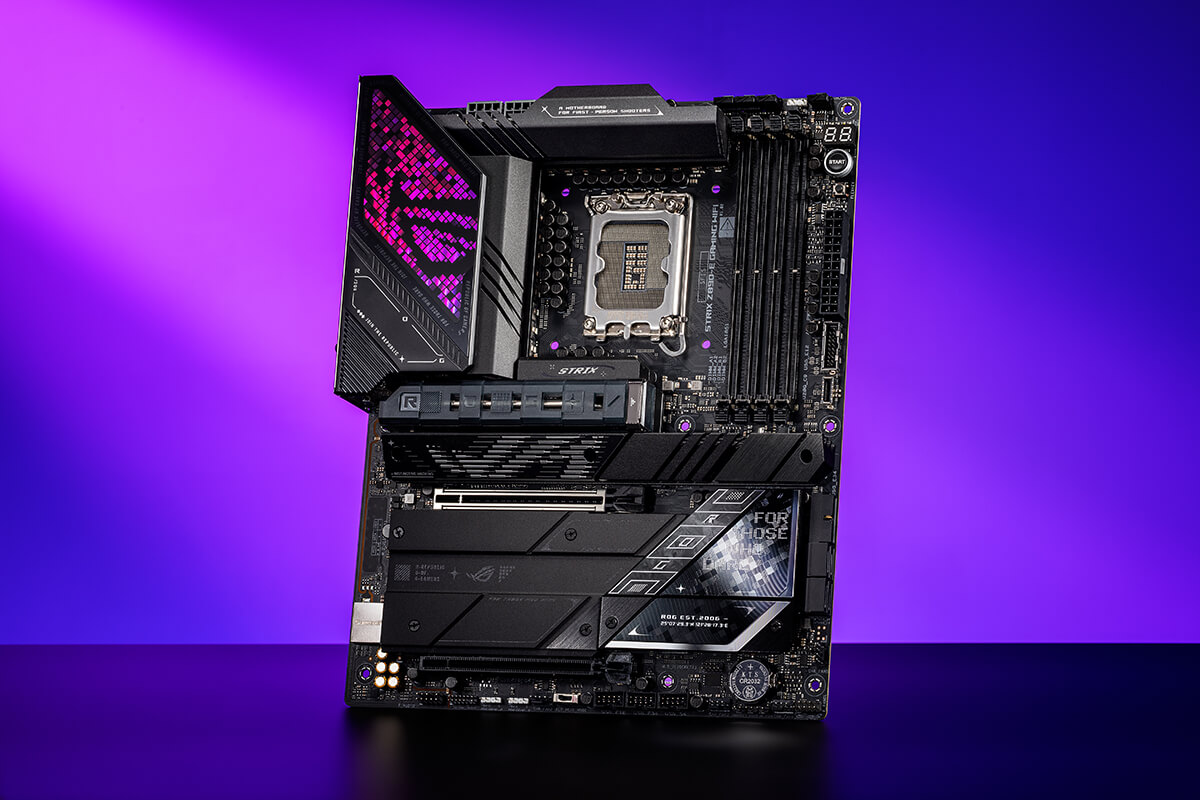
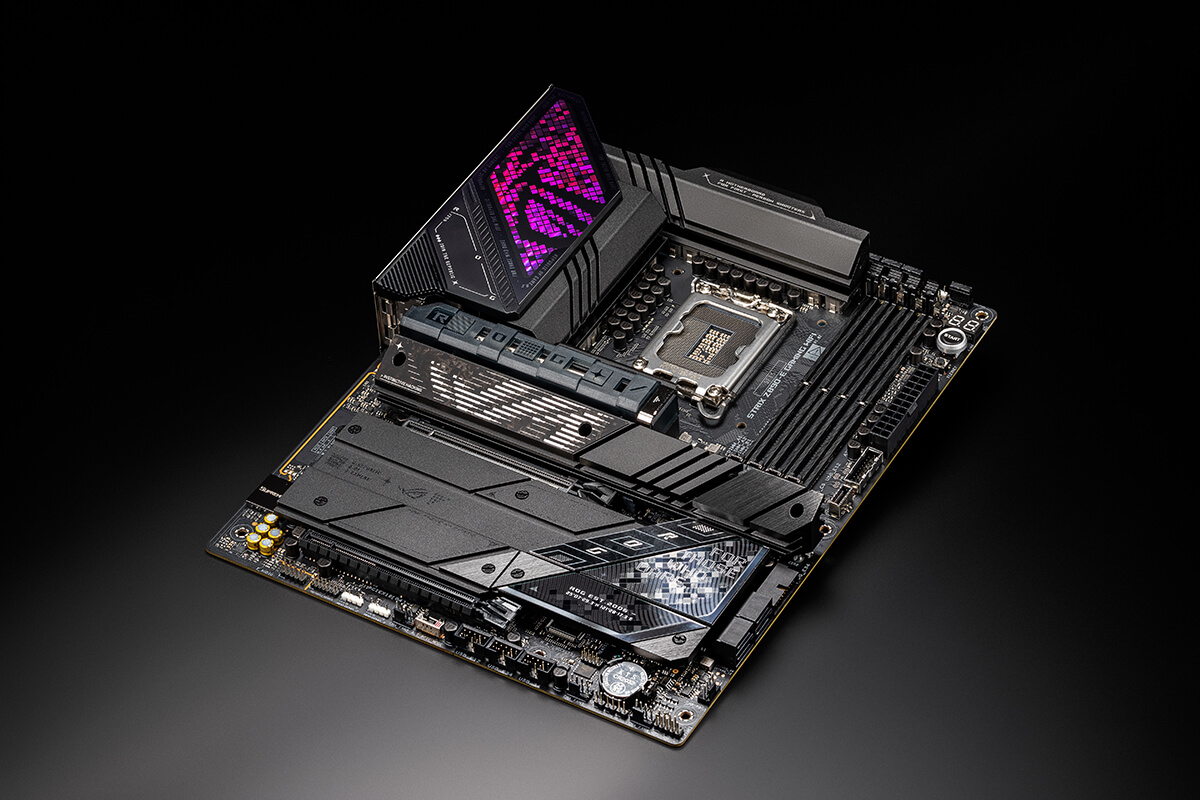
With an advanced power design and AI features, the ROG Strix Z890-E Gaming WiFi delivers top-tier performance. Equipped with Thunderbolt™ 4, WiFi 7, high-speed DDR5 slots, and seven M.2 slots, it provides exceptional connectivity and speed, making it ideal for elite gaming and advanced AI PC applications.
Click to check our Z890 Motherboard Guide






Effortless performance boost

One-click fan tuning


18 + 1 + 2 + 2 power solution rated for up to 110A per stage


X3 Onboard M.2 Slots

9200+ MT/s, MAX. 256GB,
NitroPath DRAM Technology,
DIMM FIT, AEMP III,



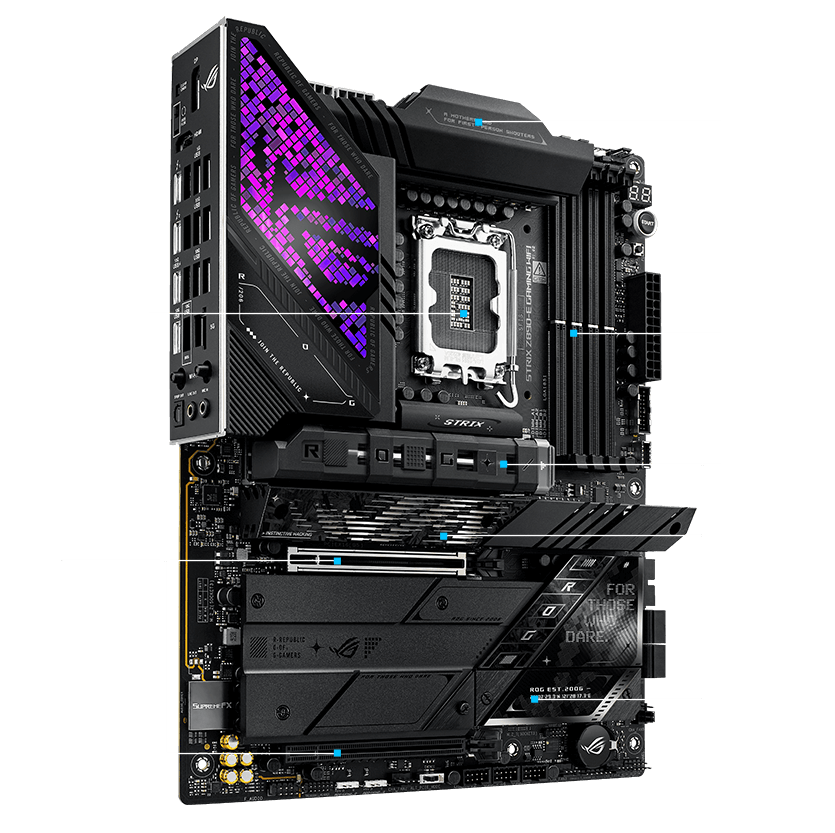
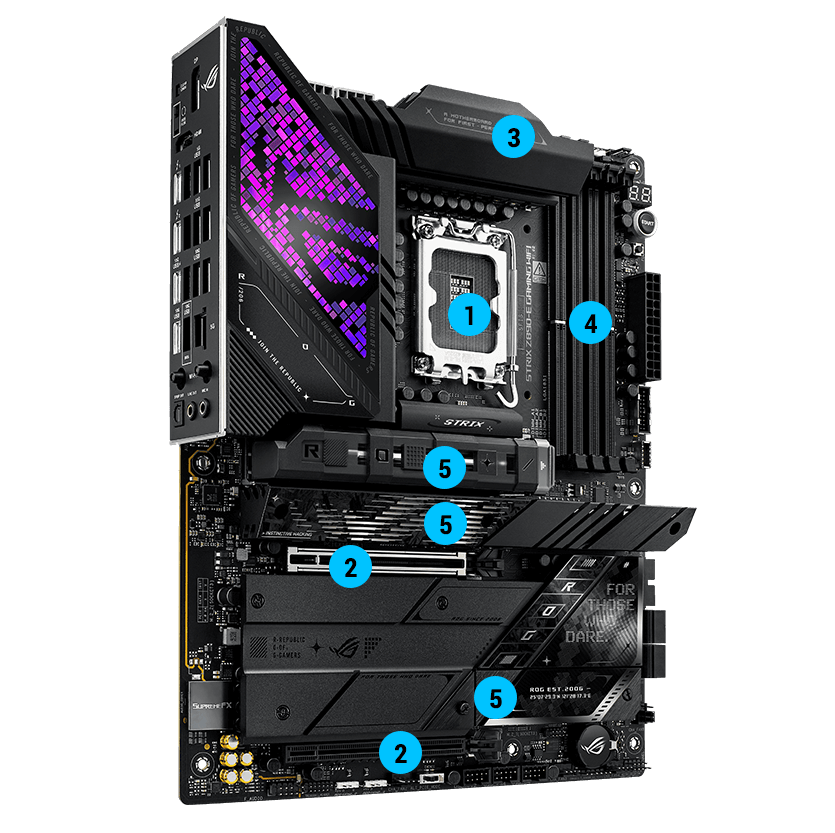
・ 1 x PCIe 5.0 x16 SafeSlot [CPU]
・ 1 x PCIe 4.0 x16 Slot (x4) [Chipset]
・ 4 x DIMM
・ Dual Channel
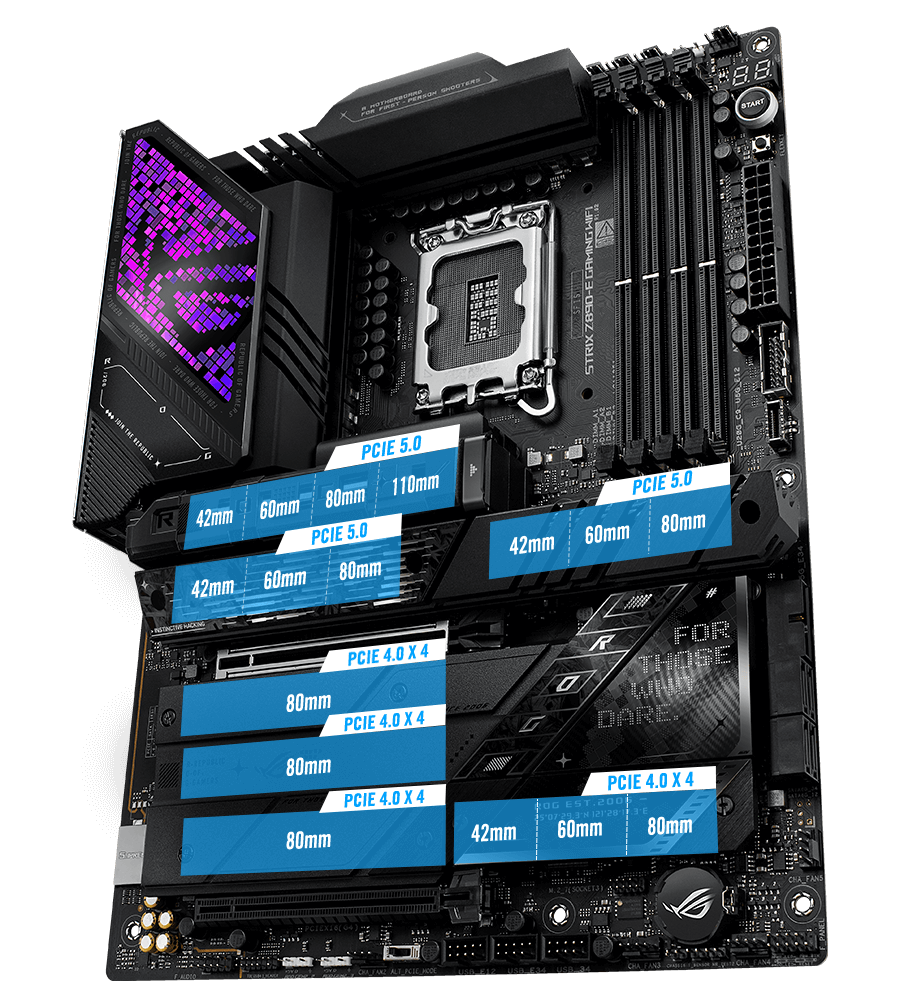
・1 x M.2 22110 (PCIe 5.0 x4)
・2 x M.2 2280 (PCIe 5.0 x4)
・3 x M.2 2280 (PCIe 4.0 x4)
・1 x M.2 2280 (PCIe 4.0 x4 & SATA)

・ Impedance sense
・ 120 dB SNR stereo playback output
・ 110 dB SNR recording input
・ SupremeFshielding
DOLBY ATMOS®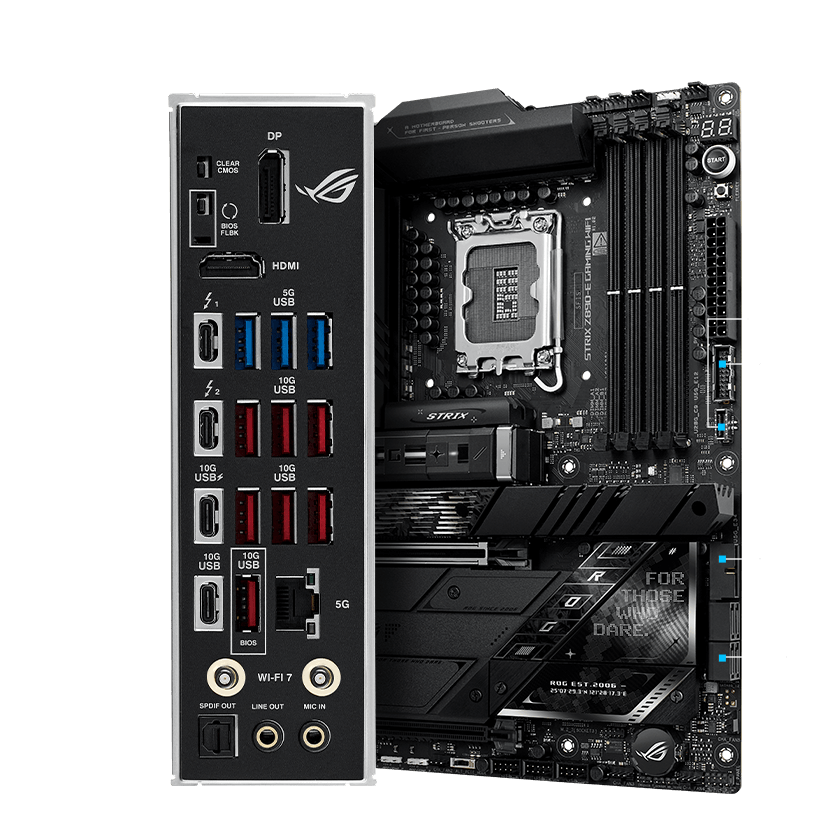
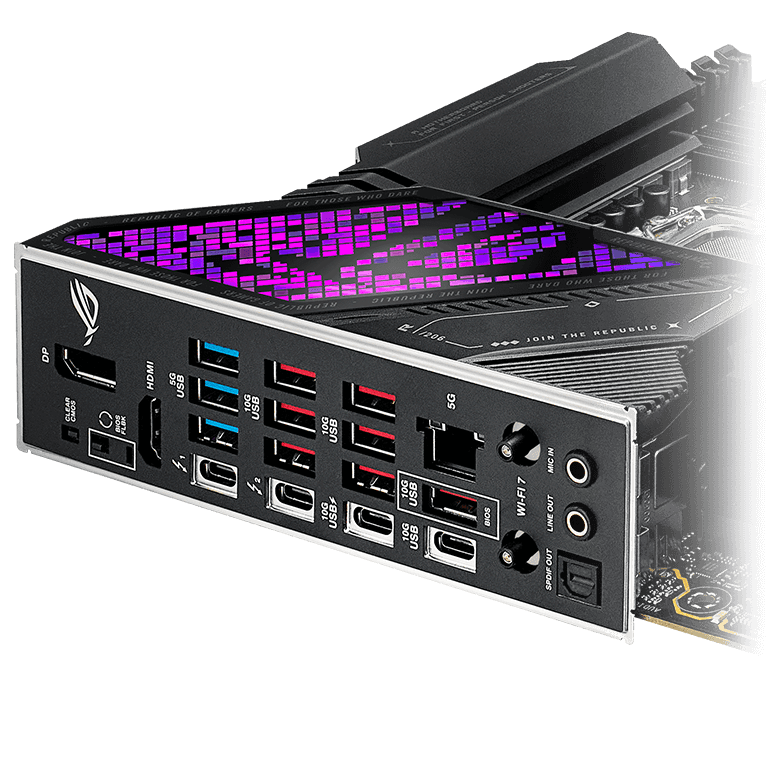
(3 x Type-A)
(7 x Type-A + 1 x USB Type-C® +
1 x USB Type-C® with up to 30W PD Fast-charge)
(supports USB Type-C®)
(Supports 4 x USB 5Gbps Ports)
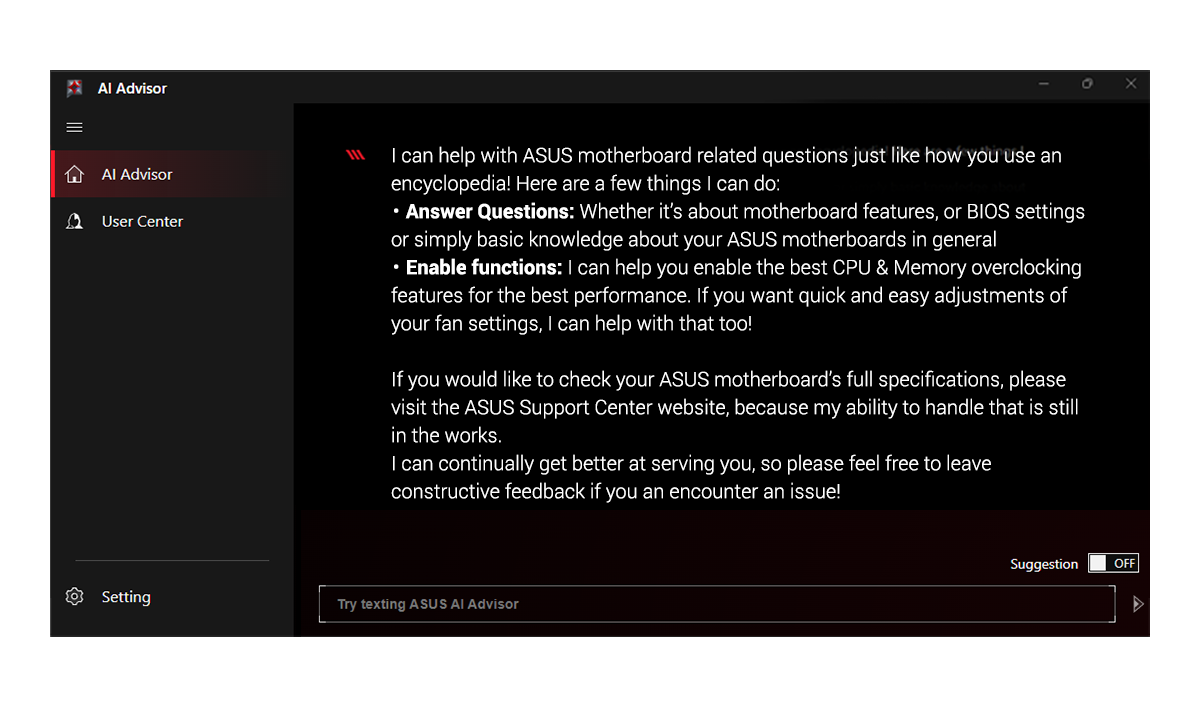
Using AI technology to understand
* Availability of ASUS AI Advisor may vary by region.
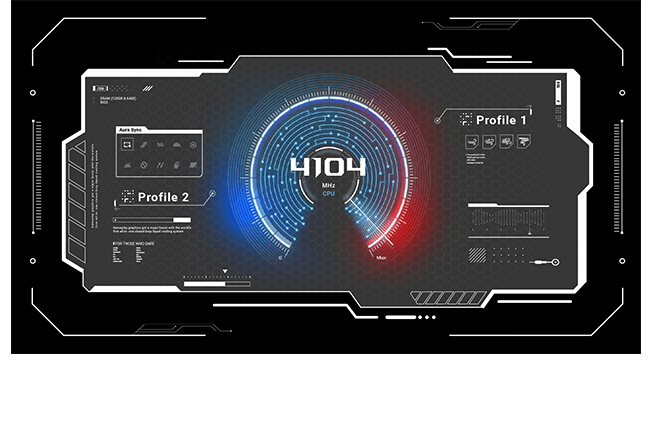
ASUS AI Overclocking profiles the CPU and cooling to predict the optimal configuration and push the system to its limits.
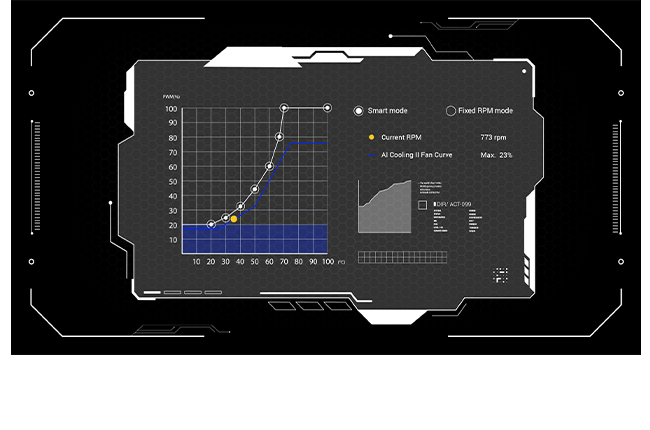
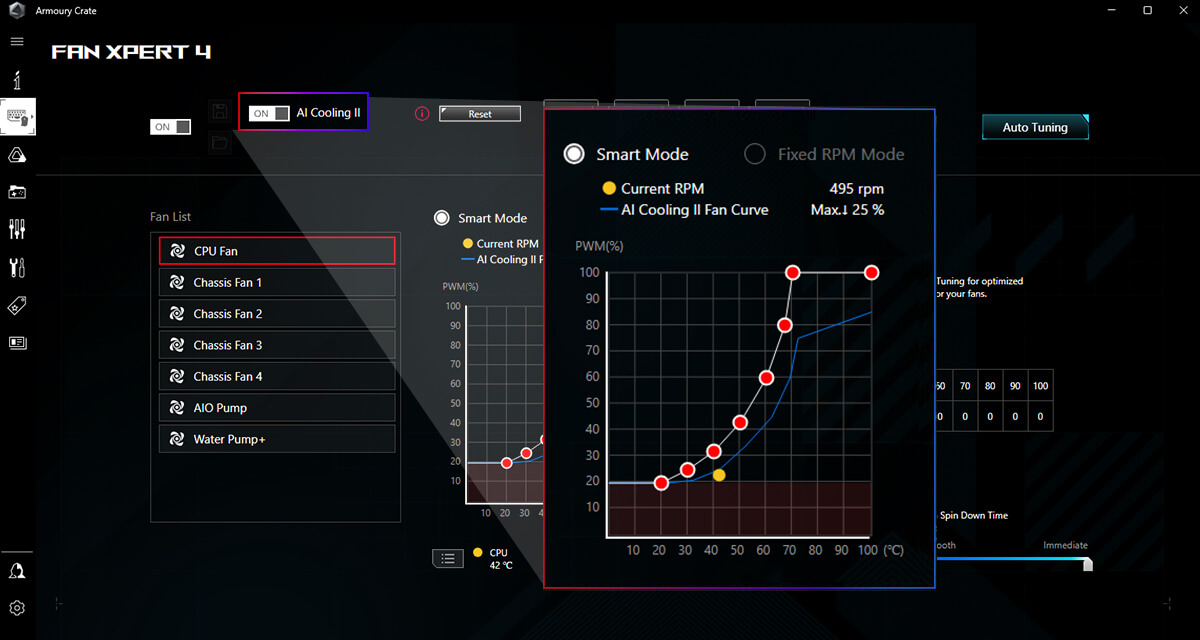
Balance the thermals and acoustics of any build with a single click.
AI Networking II combines intelligent technologies to continuously optimize network performance, provide trustworthy and seamless connectivity, and unleash the full speed of WiFi 7*.
*Features may vary by model.
ASUS AI Advisor is an ASUS technical expert that's always available to answer your questions. Owners of compatible ASUS motherboards can interact with this AI-powered technology using natural language to learn more about their hardware. For DIY beginners, it can provide easy-to-understand explanations of one-click optimization features like AI Overclocking and fan speed tuning, and for seasoned PC-building veterans, it can offer guidance and instructions on the latest features offered by ASUS.
* Availability of ASUS AI Advisor may vary by region.
ASUS AI Overclocking profiles the CPU and cooling to predict the optimal configuration and push the system to its limits. Predicted values can be engaged automatically or used as a launching ground for further experimentation.
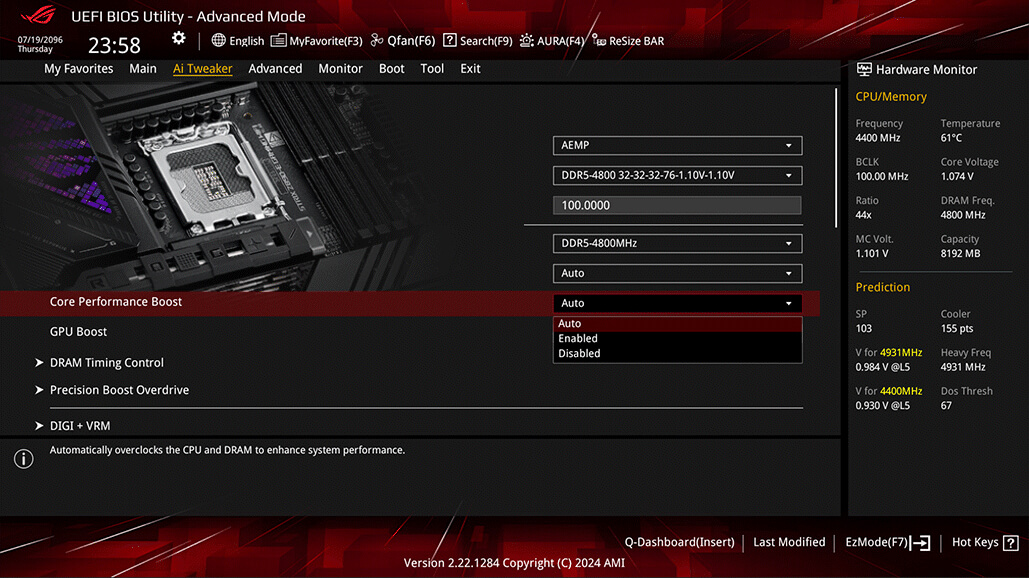
As the first foray of AI Overclocking on an AMD architecture, the set of parameters has changed substantially, but voltage and clock speeds are still the primary targets for adjustment. Every core has a recommended VID and frequency, with the latter based on a combination of ratio and Asynchronous BCLK tuning.
Predictive settings in the utility are designed to work in tandem with Precision Boost Overdrive (PBO), but they go one step further by enhancing the values for EDC, TDC, and PPT, as well as tuning the curve optimizer.
Finally, by enabling the Dynamic OC Switcher, AI Overclocking ensures that the CPU is using ideal settings whether in single- or multi-threaded workloads.

Balance the thermals and acoustics of any build with a single click. A proprietary ASUS algorithm slashes unnecessary noise while running a quick stress test, and then monitors CPU temperatures to dynamically adjust fans to optimal speeds.
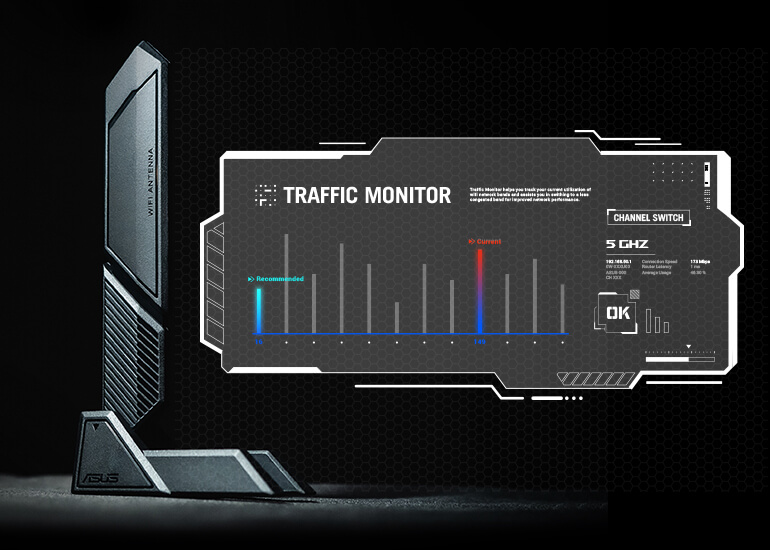
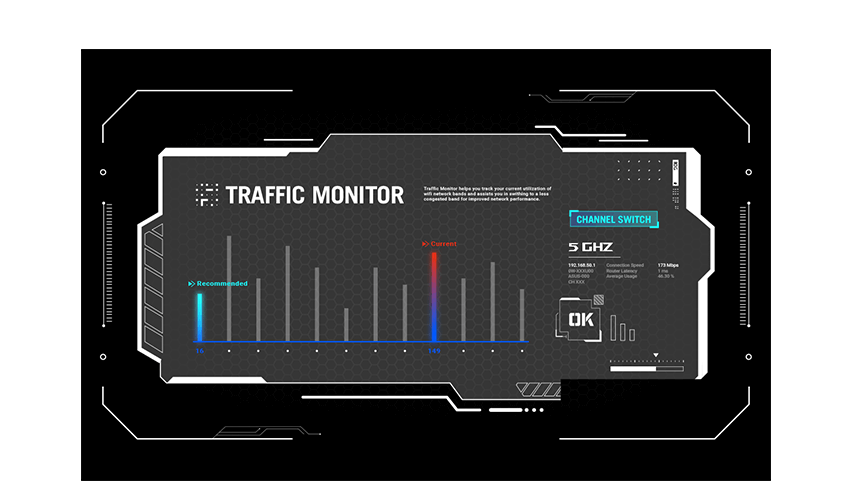
Armoury Crate's Traffic Monitor tracks your current WiFi channel usage. Move to a less congested channel by clicking the “Channel Switch” button* for improved network performance.
*The "Channel Switch" function requires pairing with an ASUS router. If not paired with an ASUS router, the channel change process can be performed in the "Router IP" section of the Traffic Monitor.
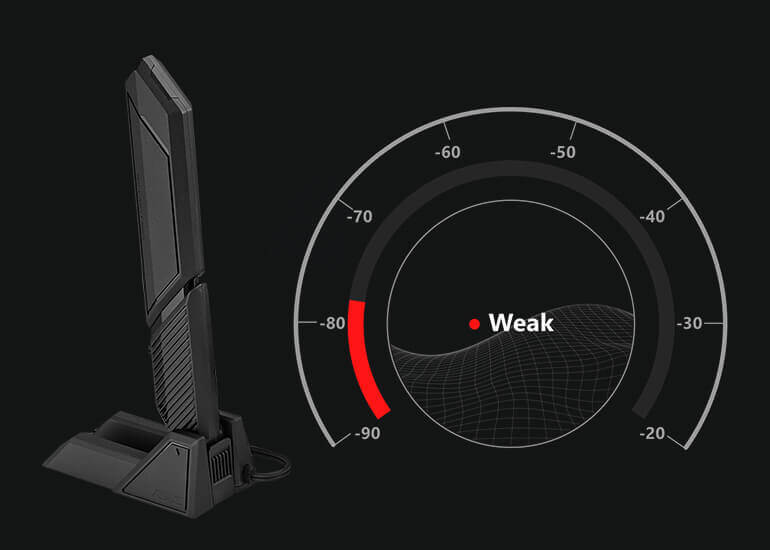
Armoury Crate’s Fast Check empowers users to rapidly detect WiFi signal strength.
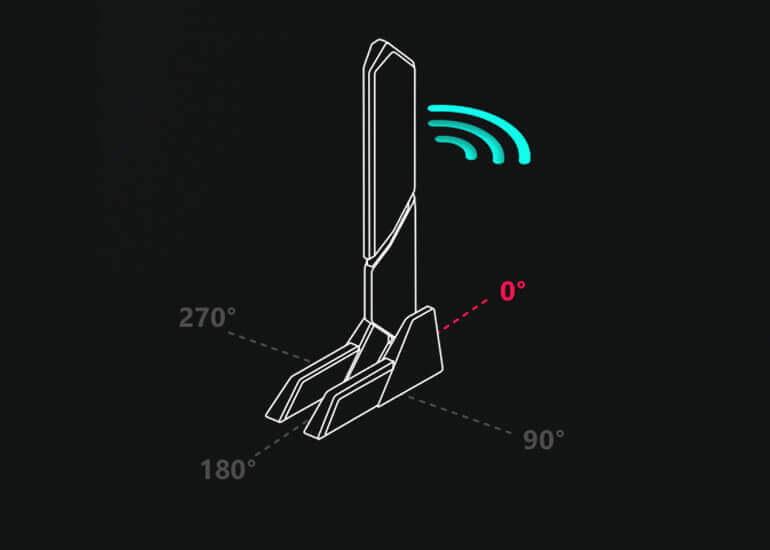
Armoury Crate’s Direction Finder* helps users detect the optimal antenna orientation for achieving the best WiFi signal strength.
*The Direction Finder is only compatible with connections in the 5GHz and 6GHz bands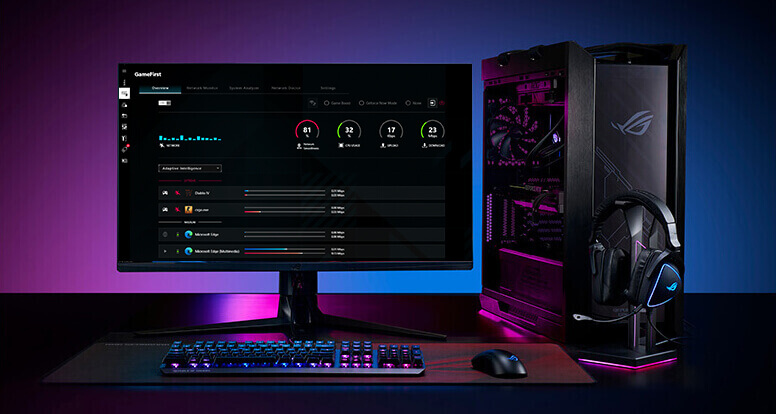
GameFirst is now integrated into Armoury Crate for an even better user experience. GameFirst optimizes networking performance by allocating bandwidth in real time, based on intelligent algorithms designed for various application customizable usage scenarios and corresponding learning algorithms. The latest update includes dedicated support for NVIDIA® GeForce NOW to ensure the lowest latency possible during intense game streamingcloud gaming sessions. To provide a better user’s experience, GameFirst is now integrated into Armoury Crate.

The integrated NPU in Intel® Core™ Ultra Processors (Series 2) efficiently accelerates AI workflows — and NPU Boost lets you do more with it. This BIOS feature overclocks the NPU with just one click, increasing performance by up to 24%.
* The overclocking performance may vary depending on the CPU series and motherboard used.
** Testing was conducted with an Intel® Core™ Ultra 9 285K processor , ROG Maximus Z890 Extreme motherboard, GeForce RTX™ 4090 24GB graphics card, and XPG Lancer DDR5 memory modules (model AX5U6000C4016G).
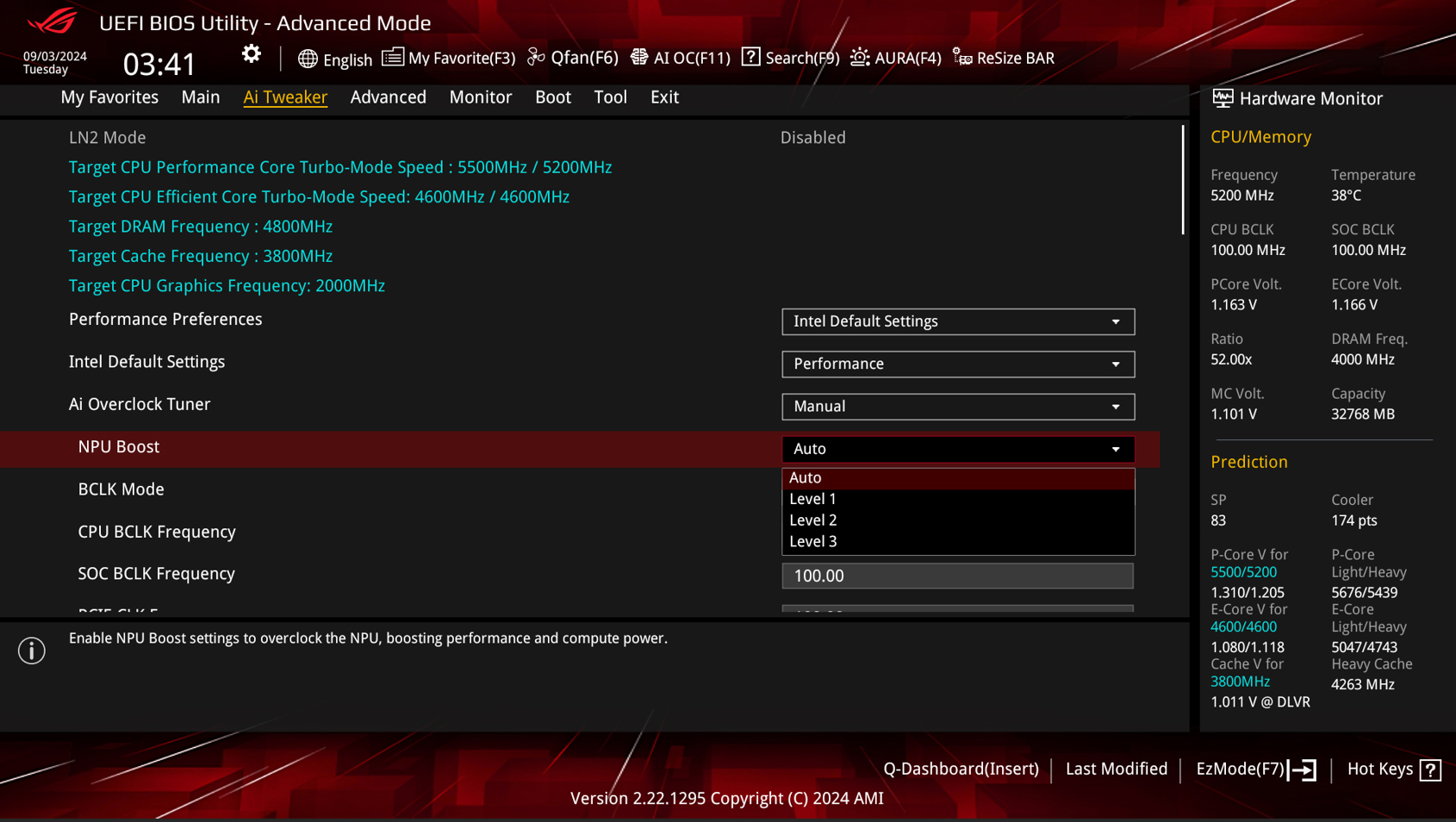
Enhanced signal routing can push enthusiast-grade kits well beyond the 9 GT/s threshold on the Strix Z890-E.
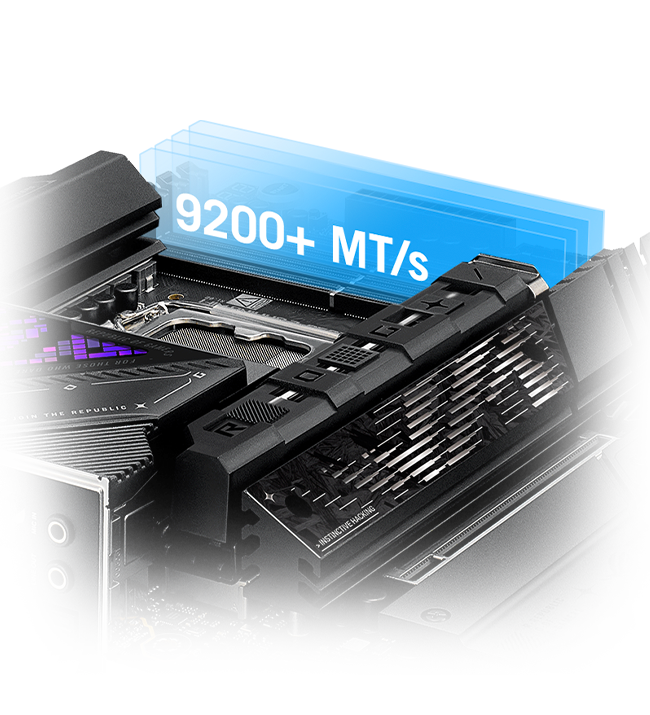
Frequency up to 400 MT/s higher
Enhance the slot retention orce by 57%
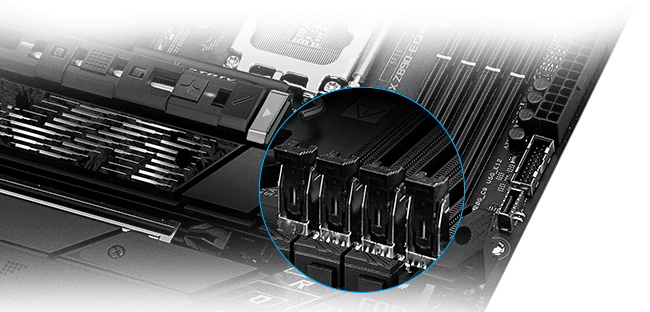
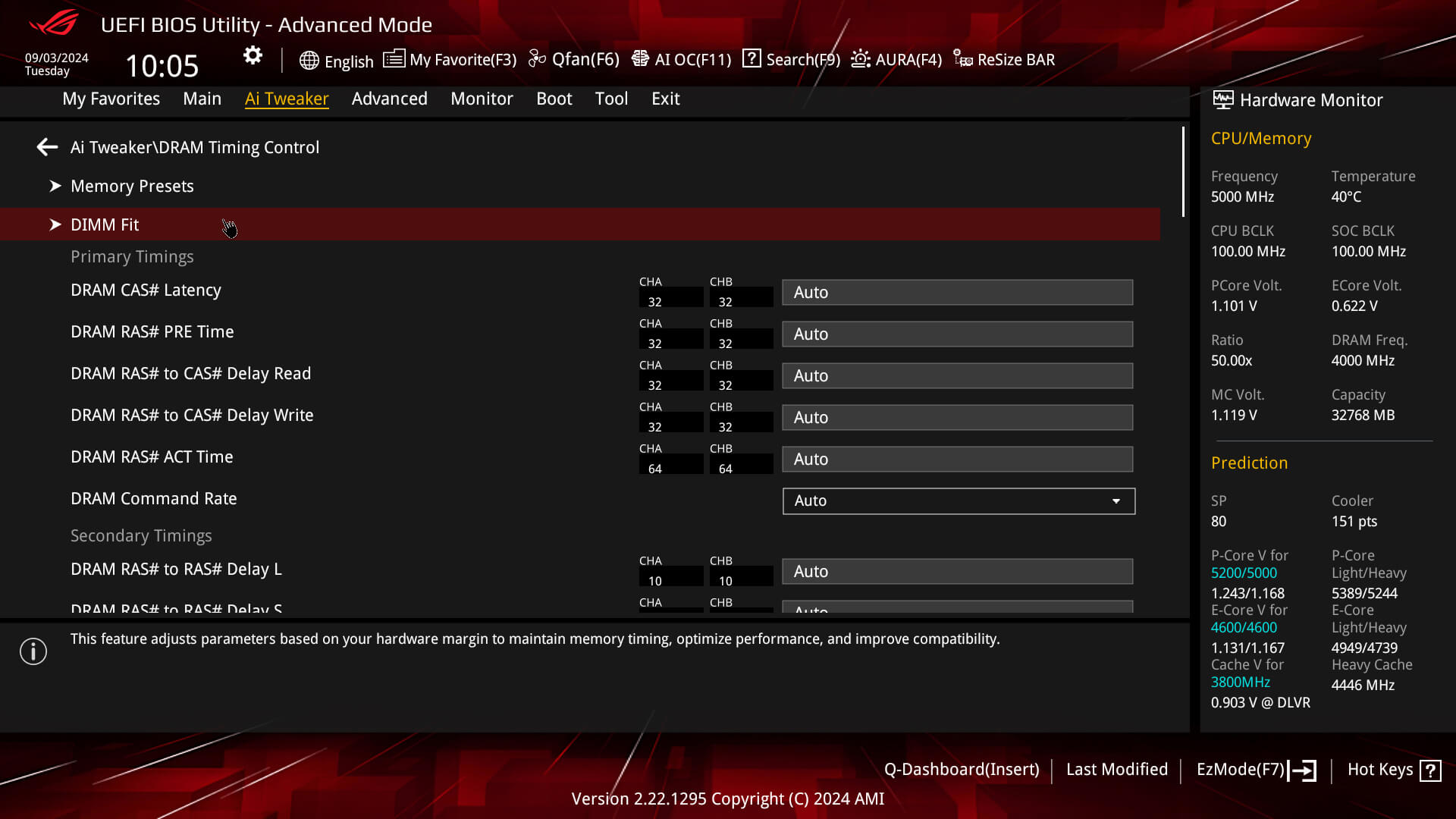
DIMM Fit is an ASUS-exclusive BIOS feature that precisely analyzes individual memory modules to optimize performance and pinpoint potential issues; whereas DIMM Fit Pro is an advanced option that provides more extensive customizability for memory optimization.

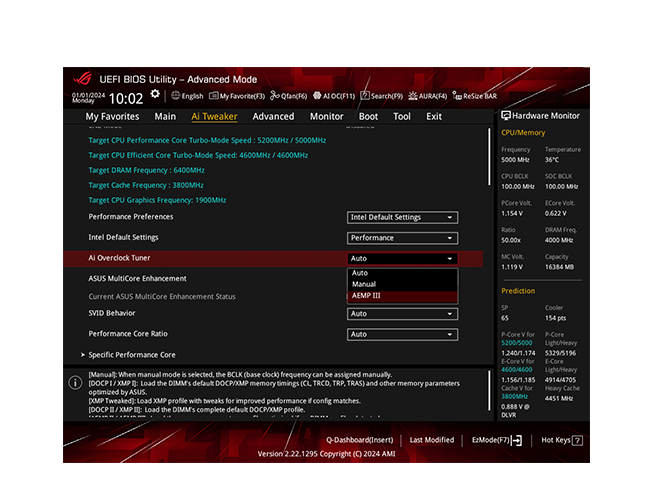
ASUS Enhanced Memory Profile III (AEMP III) is an advanced firmware feature that empowers users to achieve unparalleled memory performance with cutting-edge
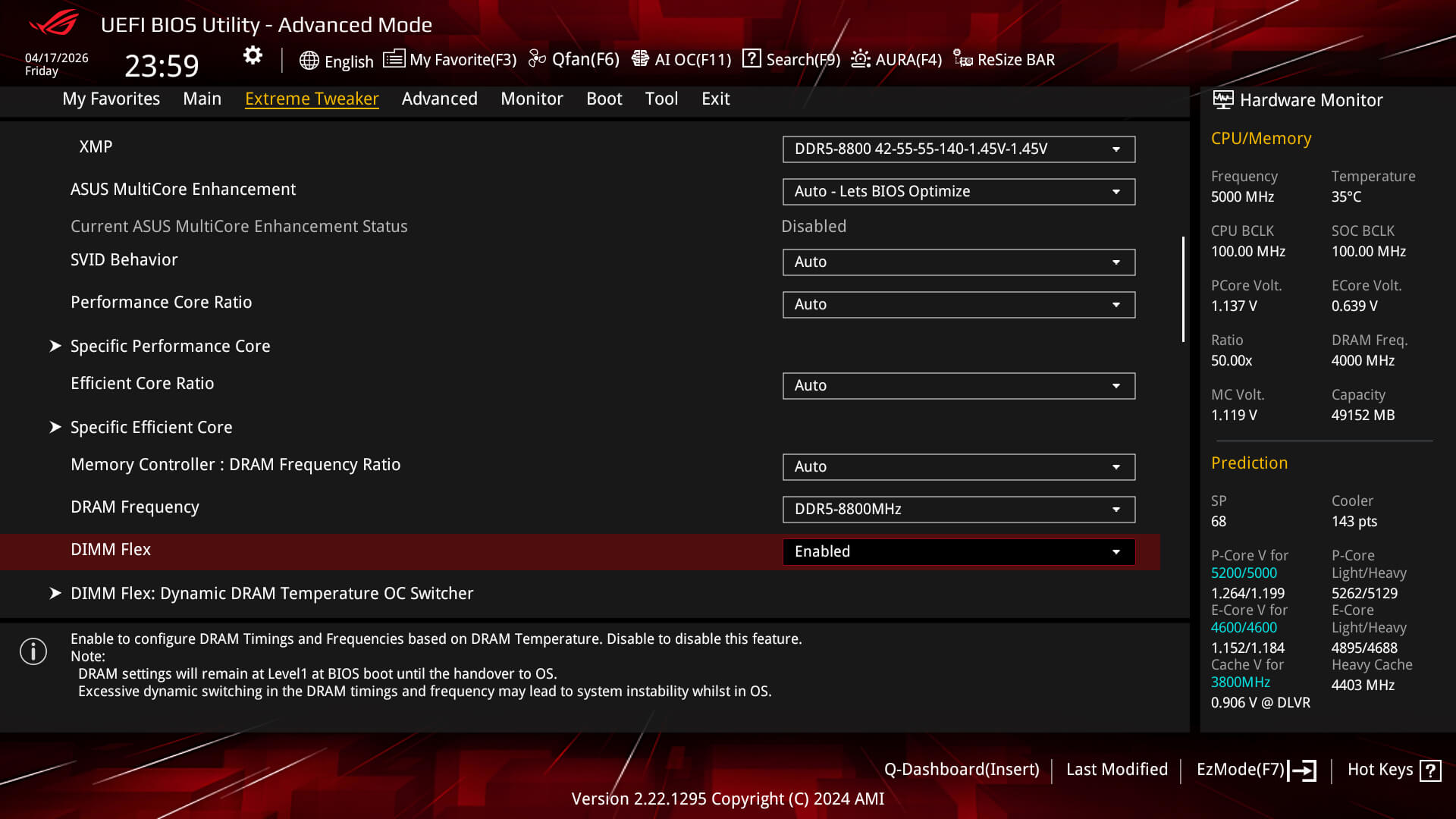
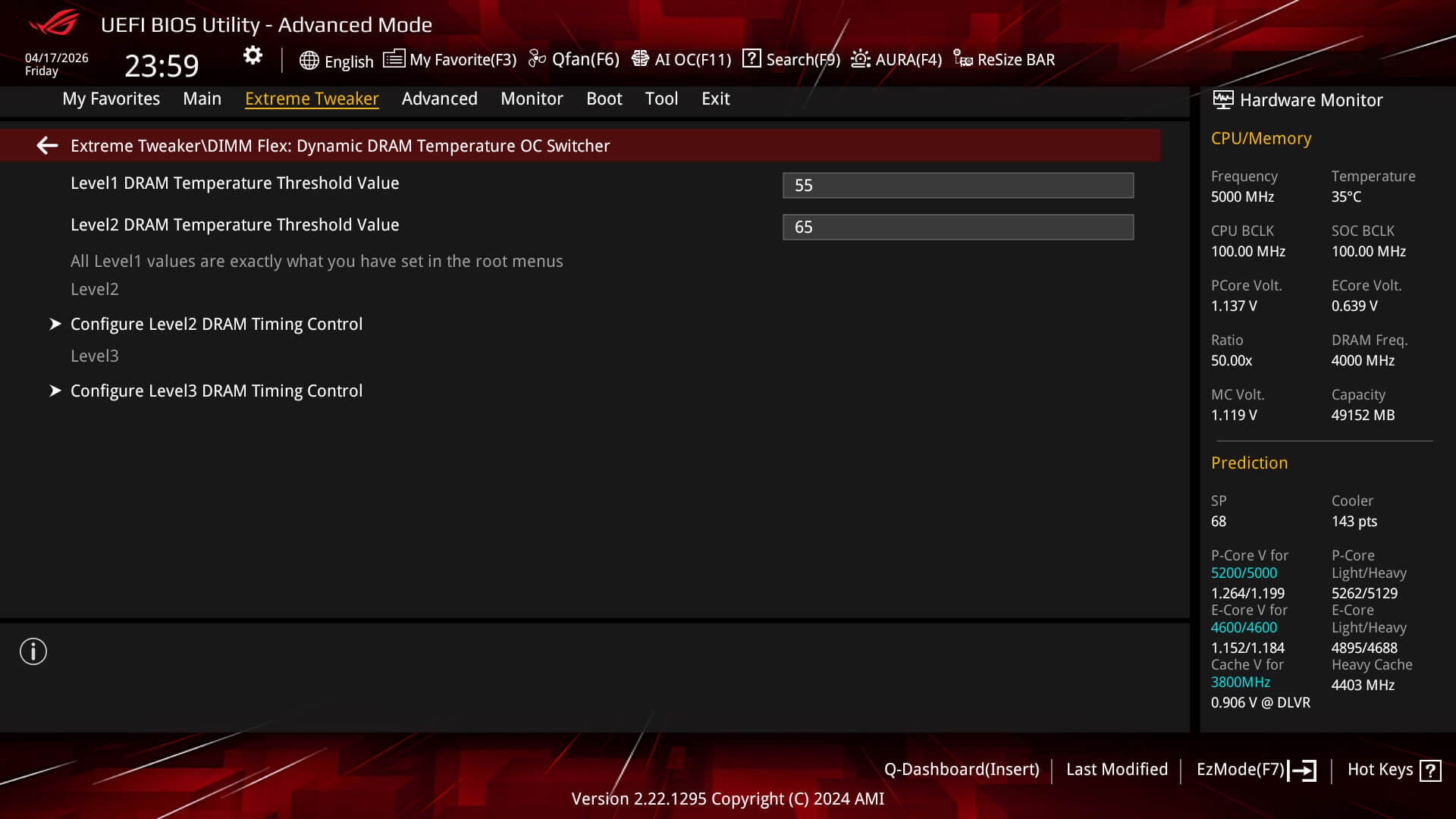
DIMM Flex provides enthusiasts with a powerful new way to overclock their DDR5 memory modules.
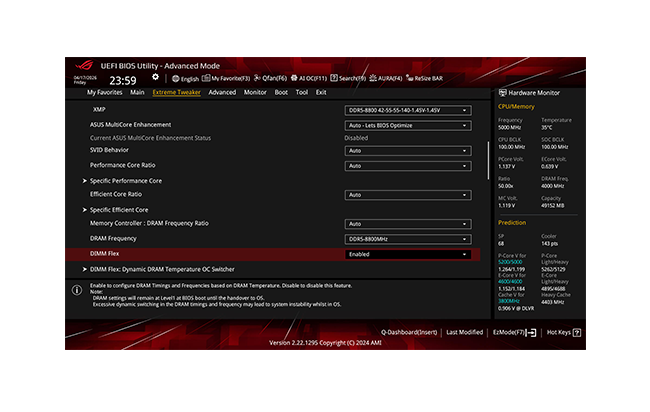
ROG has a rich history of delivering top-tier memory performance, and DDR5 is no exception. Enhanced signal routing can push enthusiast-grade kits well beyond the 9 GT/s threshold on the Strix Z890-E, with even greater speeds on the horizon. For experienced users, the UEFI offers a wide range of options to fine-tune and push performance to its limits.
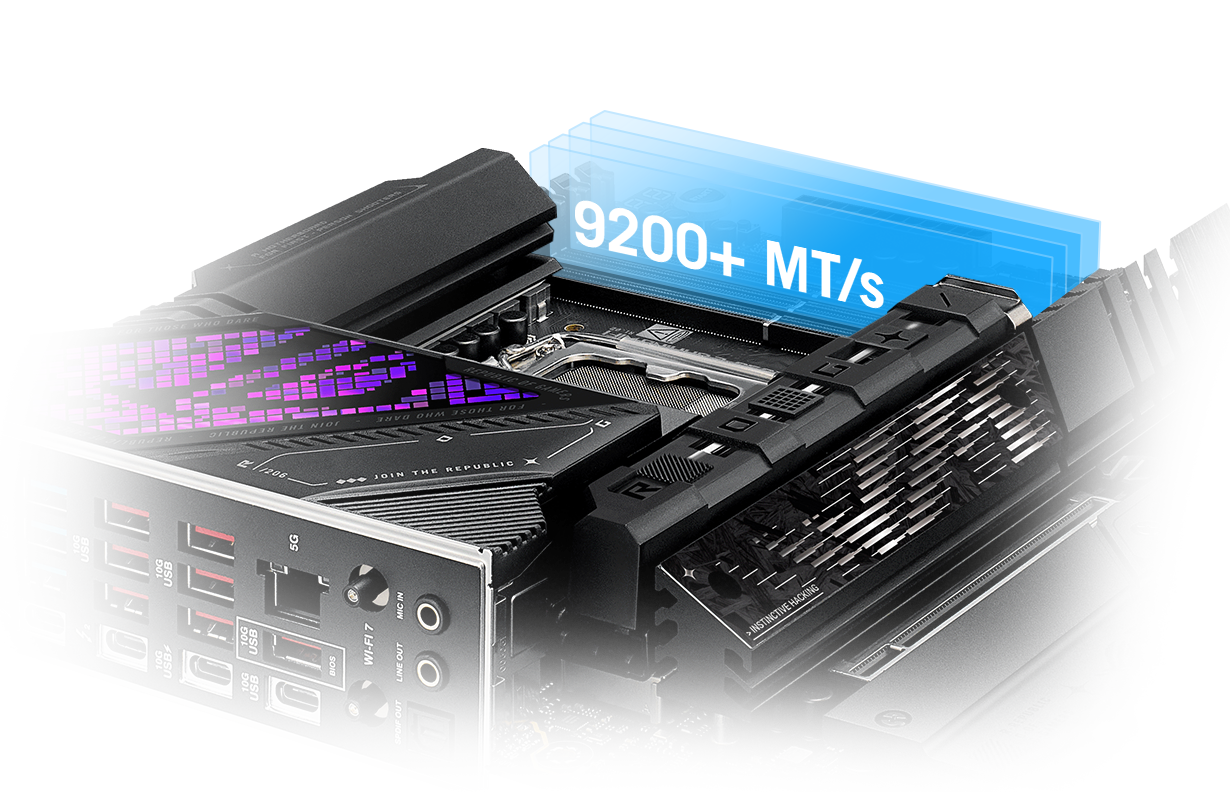
NitroPath DRAM Technology provides enhanced DDR5 memory performance. Shorter gold finger pins and optimized signal pathways ensure faster data transfers between your DRAM and CPU, allowing for greater memory overclocking headroom and stability. These reinformed DRAM slots are also better prepared to withstand the wear and tear of the RAM installation process than traditional slot designs, perfect for enthusiasts who keep their system upgraded with the fastest kits available.
 Conventional Slot
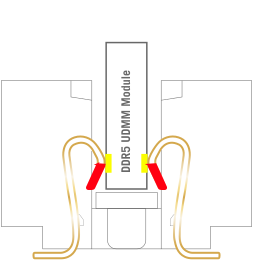 NitroPath DRAM Slot
Frequency up to 400 MT/s higher
Gold finger stub >70% shorter Gold finger stub

Slot retention force
enhanced by57%
* The feature is patented. Images are for illustrative purposes only. Actual size and length may vary with DDR5 connector.
DIMM Fit is an ASUS-exclusive BIOS feature that precisely analyzes individual memory modules to optimize performance and pinpoint potential issues.
DIMM Fit Pro gives advanced PC builders more extensive customizability for memory tuning. It allows users to control up to twenty overclocking parameters, define testing ranges, and prioritize stability or performance, offering a more flexible and granular approach to memory optimization.
ASUS Enhanced Memory Profile III (AEMP III) is an advanced firmware feature that empowers users to achieve unparalleled memory performance with cutting-edge CUDIMM memory. Through a two-phase comprehensive tuning process, AEMP III first optimizes the clock driver and then the memory frequency. This results in the best balance between performance and stability, even at cutting-edge speeds of DDR5-8000 or higher.*
*Results may vary according to individual system specifications. Results are based on a test with an Intel Core Ultra 9 285K processor and 2x16GB SK Hynix DDR5-6400 Clocked Unbuffered DIMM RAM, model HMCG78AHBCA326N.

8000(OC)
AEMP III
6400
Intel DDR5 Baseband
DIMM Flex provides enthusiasts with a powerful new way to overclock their DDR5 memory modules. It employs specialized circuitry that can boost performance or address potential stability issues, depending on temperature readings. When temperatures are nominal, it can use the extra headroom to increase speeds and efficiency. And when temperatures increase, it can adjust memory behavior downward to maintain stability.
››› Learn moreResolution: 1920×1080
Default: 164
XMP I: 171
+4.27%
DIMM Flex: 179
+9.15%
Resolution: 1920×1080
Default: 233.06
XMP I: 240.5
+3.19%
DIMM Flex: 249.49
+7.05%

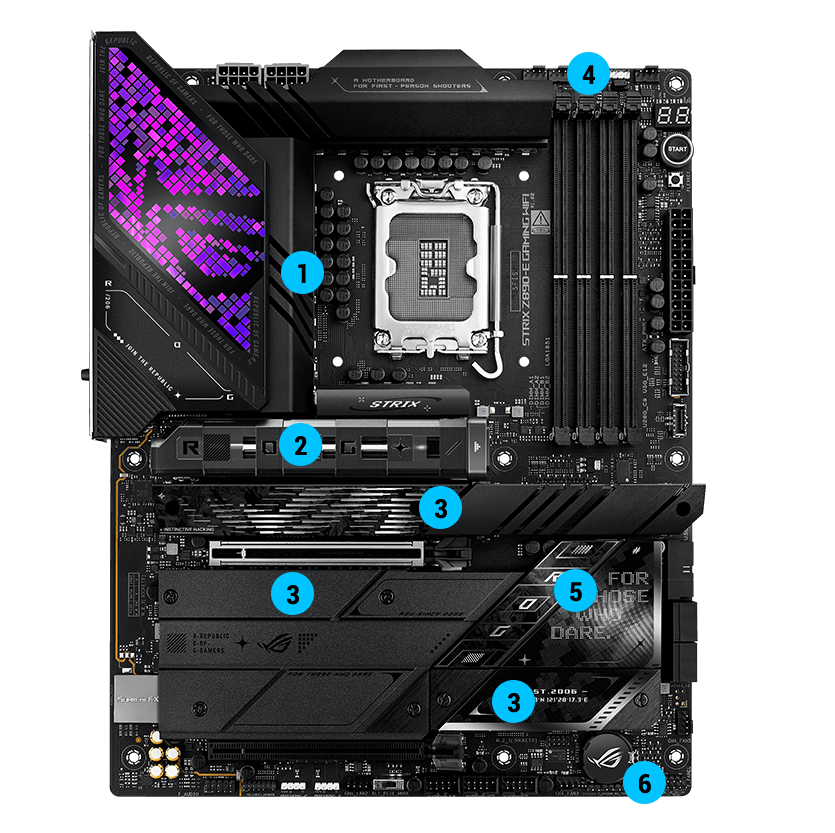
The VRM features 18+1+2+2 power stages, each rated to handle up to 110 amps
18 VCCCORE Power 110A, SPS
1 VCCGT Power 90A, SPS
2 VCCSA Power 90A, SPS
2 VNNAON Power 80A, SPS
ProCool II connectors are precision-built to ensure flush contact with PSU power lines. A metal sheath improves heat dissipation and lowers electrical impedance.
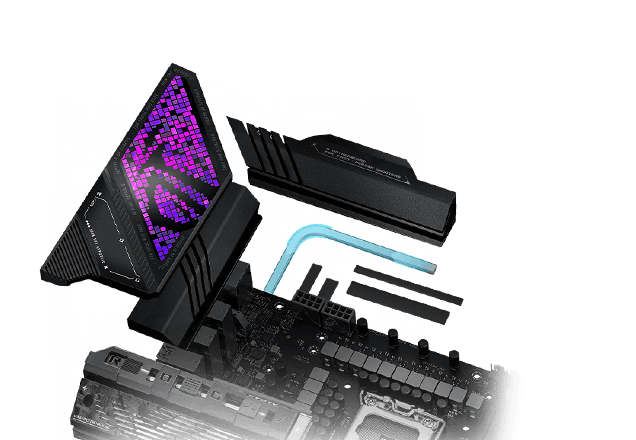
A multi-layered printed circuit board design quickly dissipates heat around the voltage regulators to improve overall system stability and provide the CPU with more overclocking headroom.
Hi-end chokes and durable capacitors are engineered to resist extreme temperatures, enabling performance that exceeds industry standards.
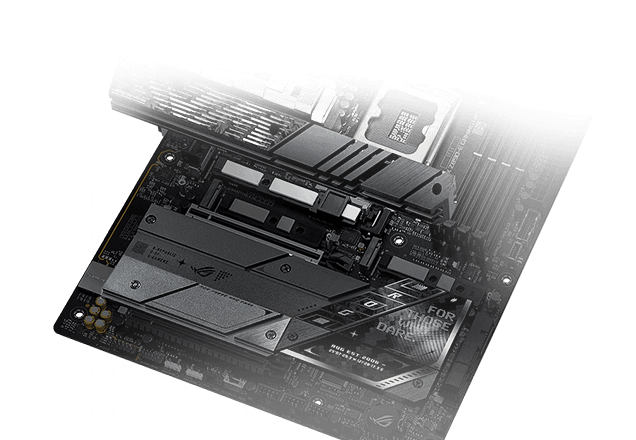
M.2 HEATSINKS, M.2 COMBO-SINK,
VRM HEATSINK ARRAY
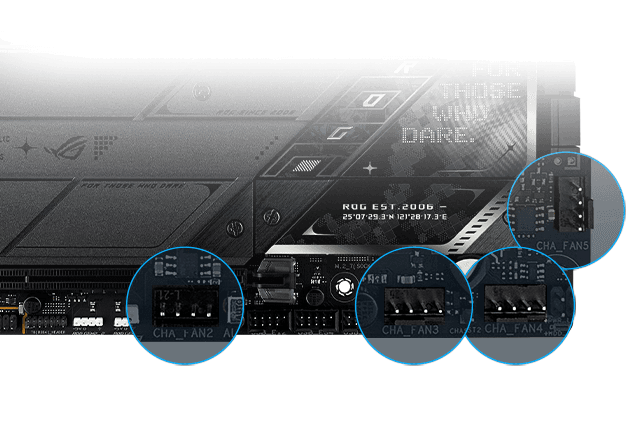
CPU FAN HEADERS, AIO PUMP FAN HEADER
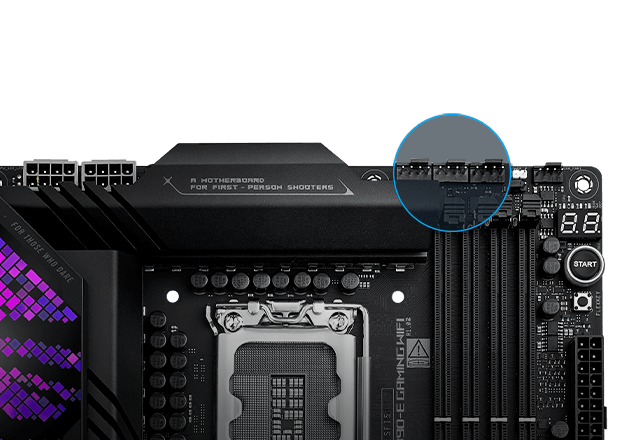
4-PIN FAN HEADERS
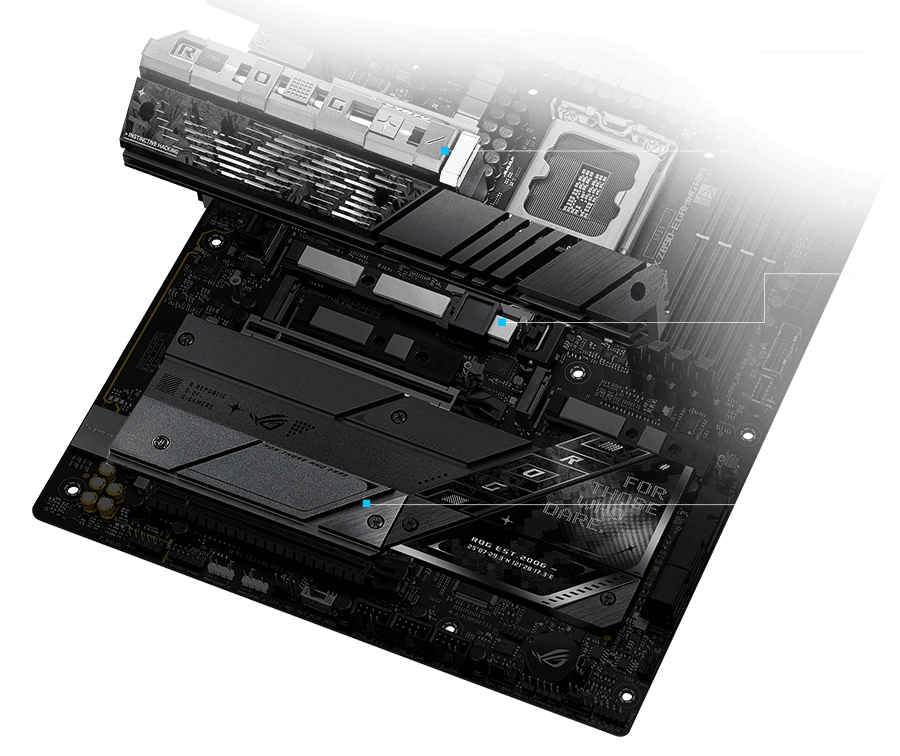
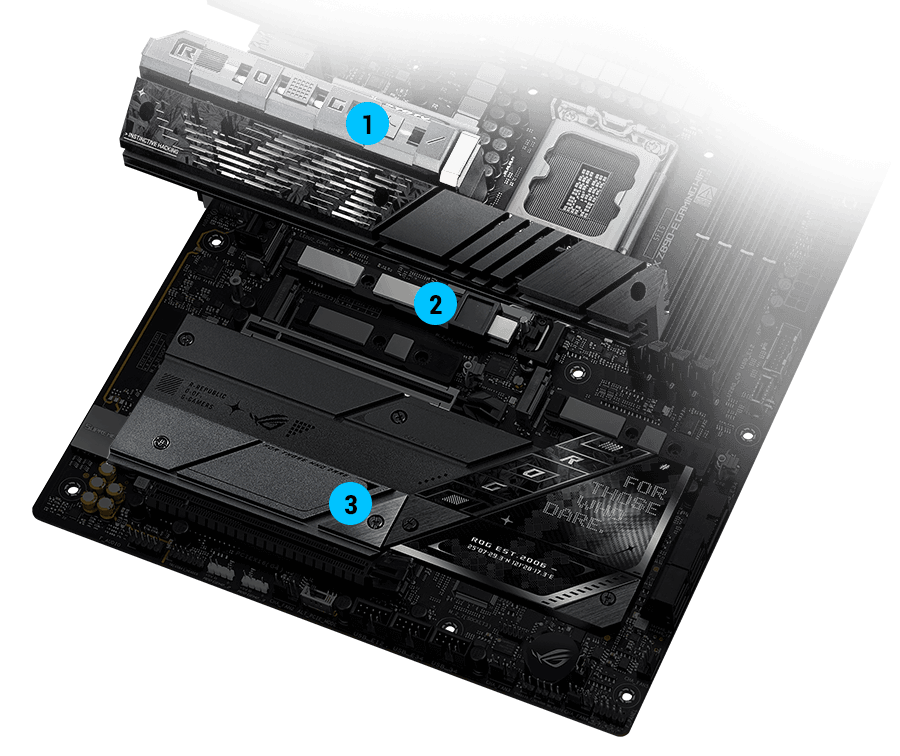
This M.2 heatsink integrates a direct-contact U-shaped heat pipe to achieve optimal operating temperatures, and it has been upgraded with a larger surface area for even more cooling.
An integrated backplate helps ensure that high-performance drives can deliver peak performance, even when airflow is restricted.
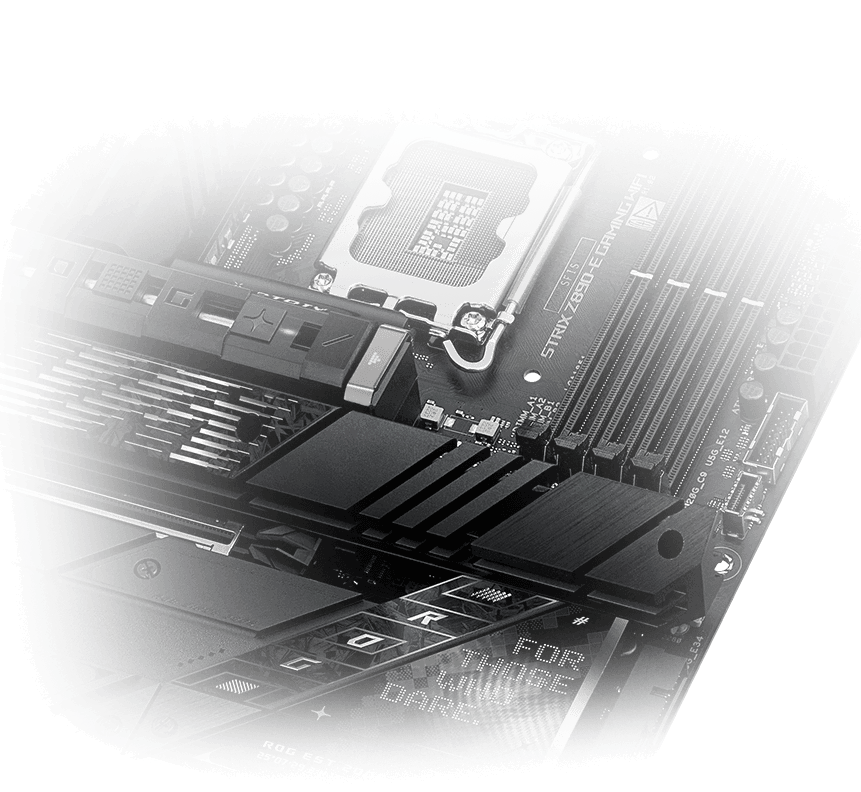
Heatsinks cover every slot to help keep onboard NVME SSDs at optimal temperatures for consistent performance and reliability.
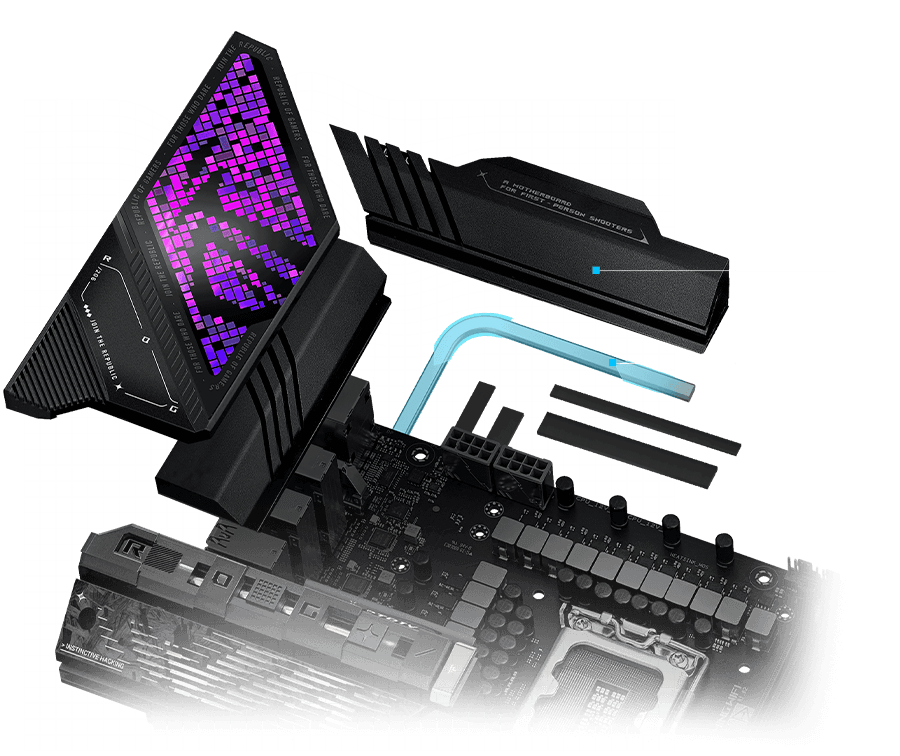
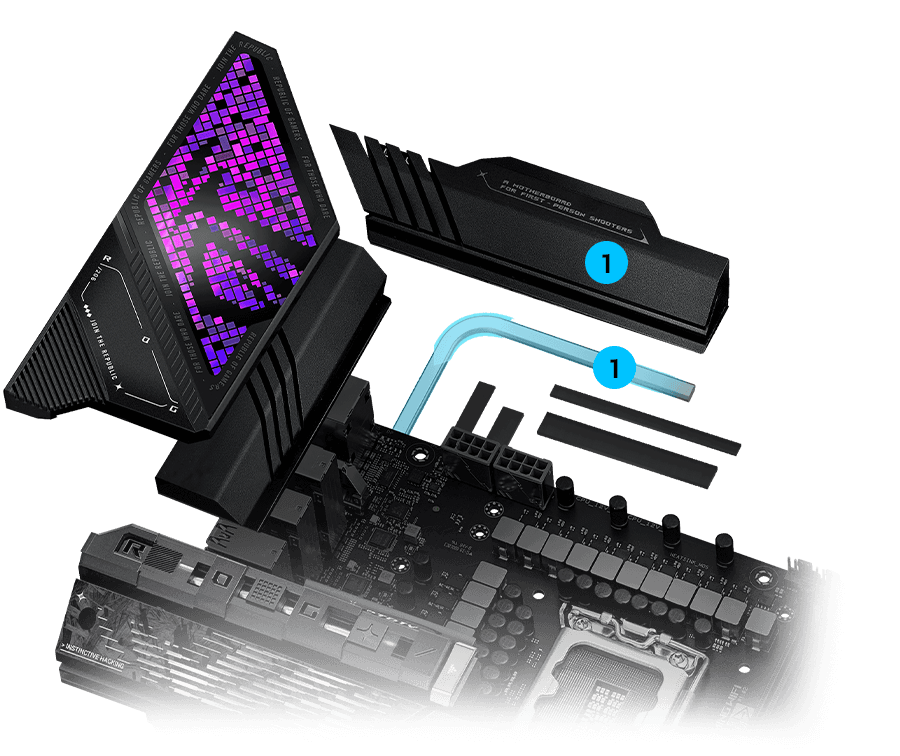
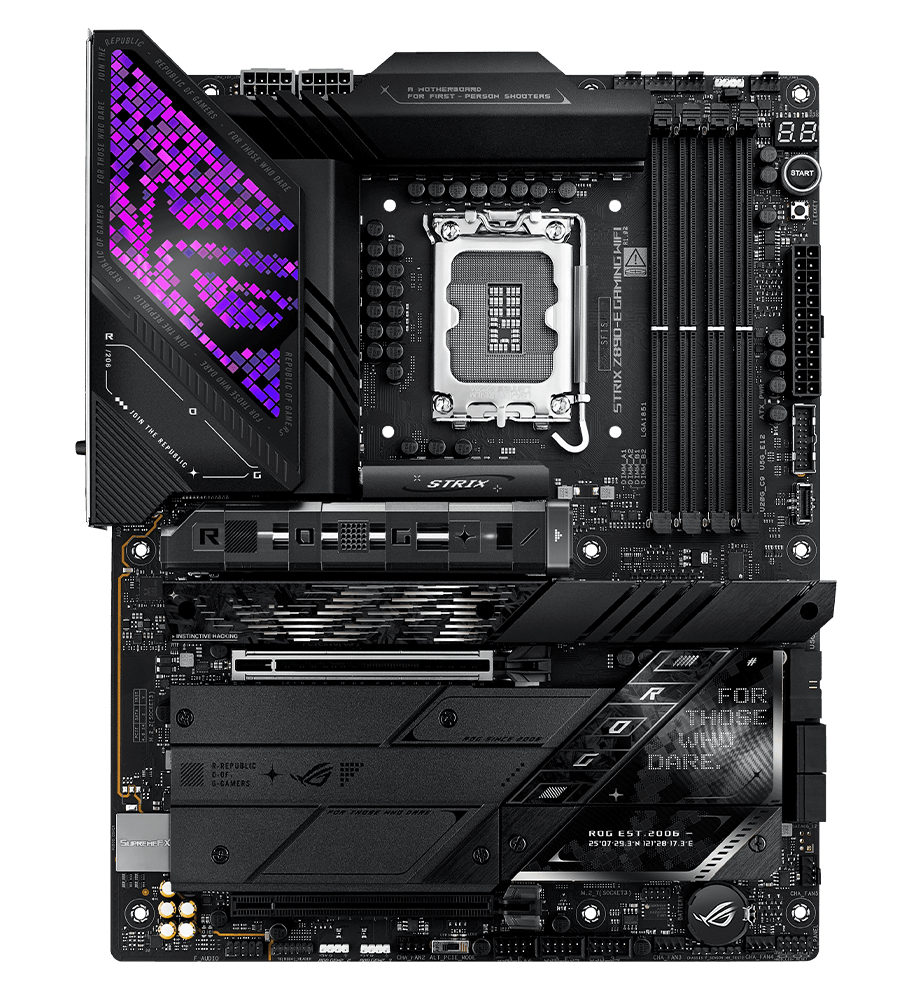
Two thick heatsinks covering the power delivery section provide strategic airflow channels for increased heat dissipation while empowering high-performance Intel® Core™ Ultra Processors (Series 2)

A dedicated pair of PWM/DC fan headers provides easy access to CPU coolers.
A dedicated PWM/DC header connects self-contained water-cooling setups.
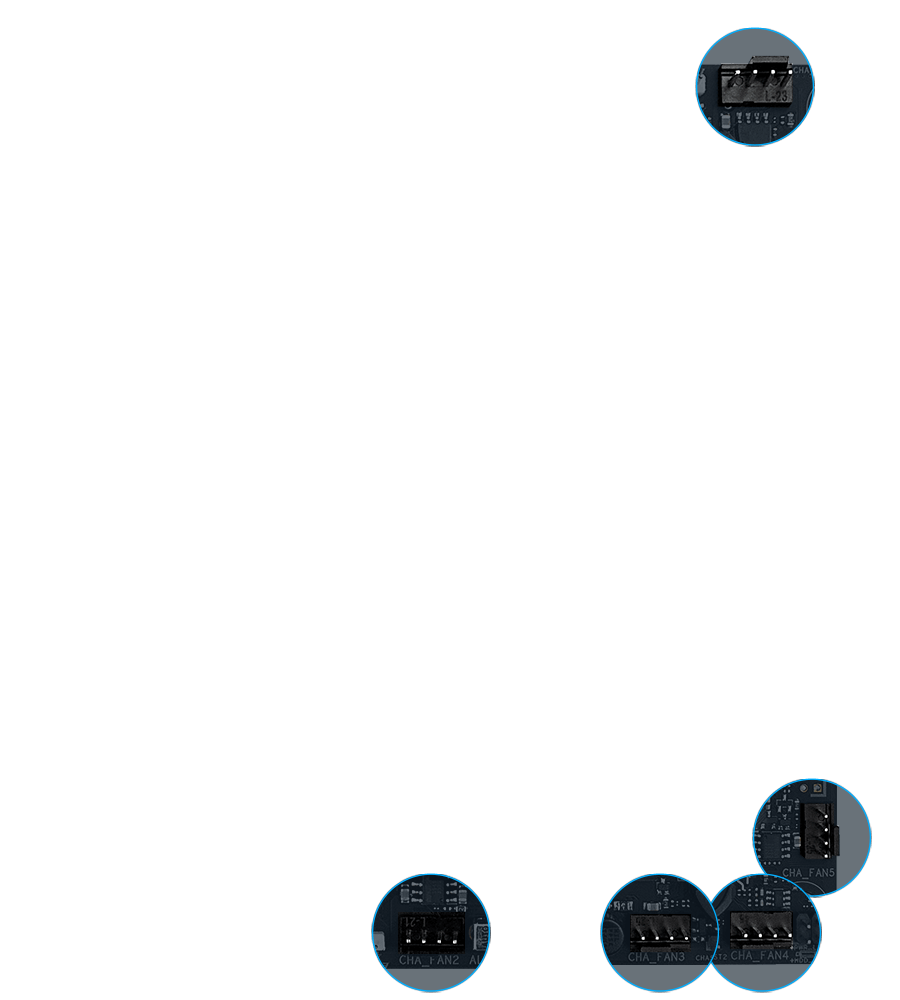
The Strix Z890-E features five chassis fan headers, each supporting
 leading Connectivity
The ROG Strix Z890-E Gaming WiFi features ROG M.2 PowerBoost, which enables all M.2 devices to operate simultaneously at optimal performance.
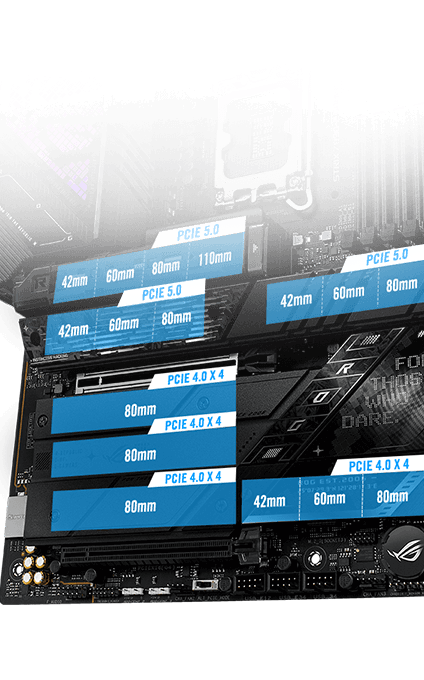
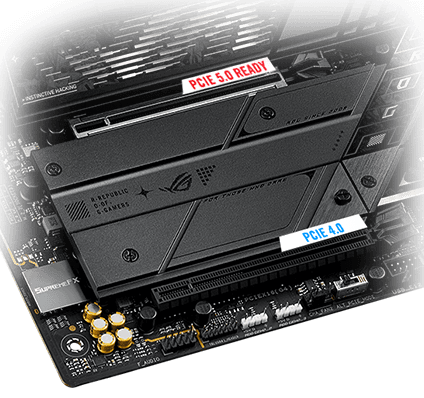
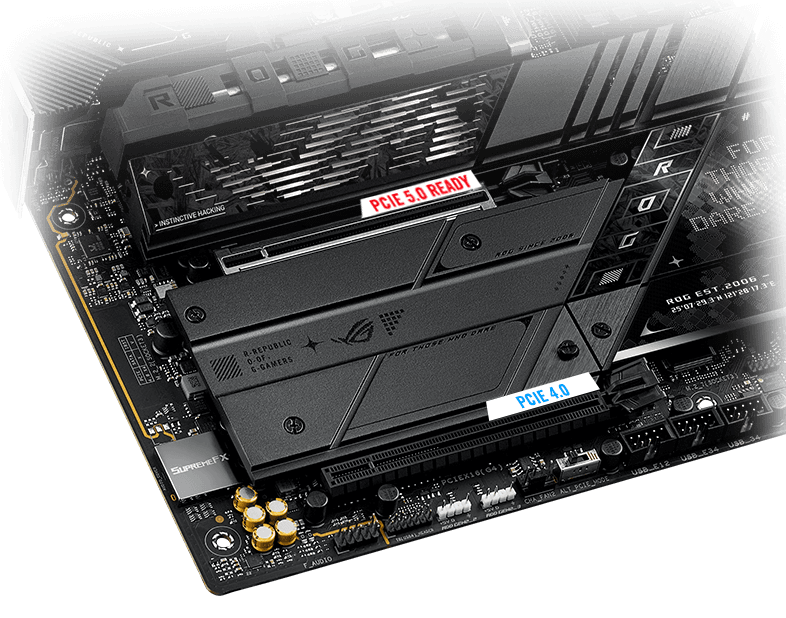
The first PCIe 5.0 x16 SafeSlot with PCIe Slot Q-Release Slim fully supports next-gen graphics cards.

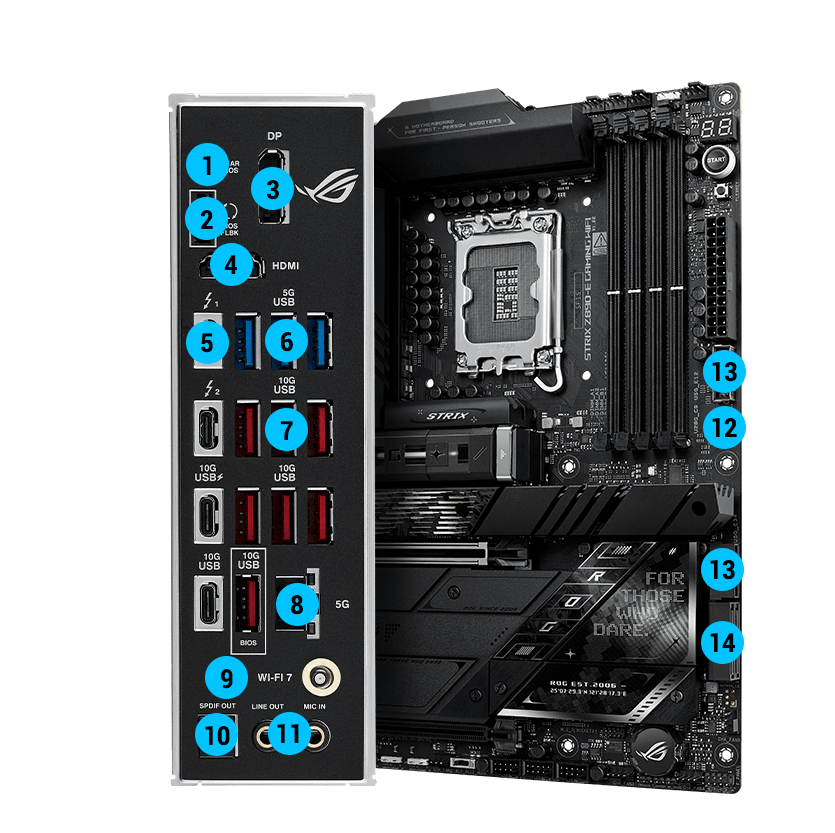
Thunderbolt™ 4

USB 10Gbps
with up to 30W PD Fast-charge
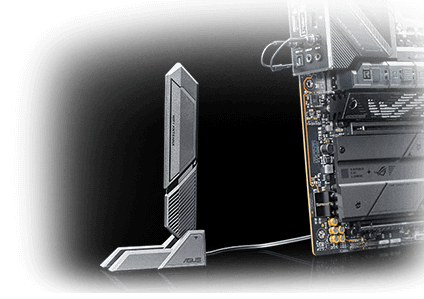
The revolutionary WiFi 7 is up to 4.8X times faster than standard WiFi 6*, thanks to tech like 320 MHz channels** on the 6GHz band and 4K QAM*. Multi-Link Operation (MLO) provides a more stable WiFi connection and lower latency, unlocking the realms of the unknown in gaming, streaming and industrial IoT.
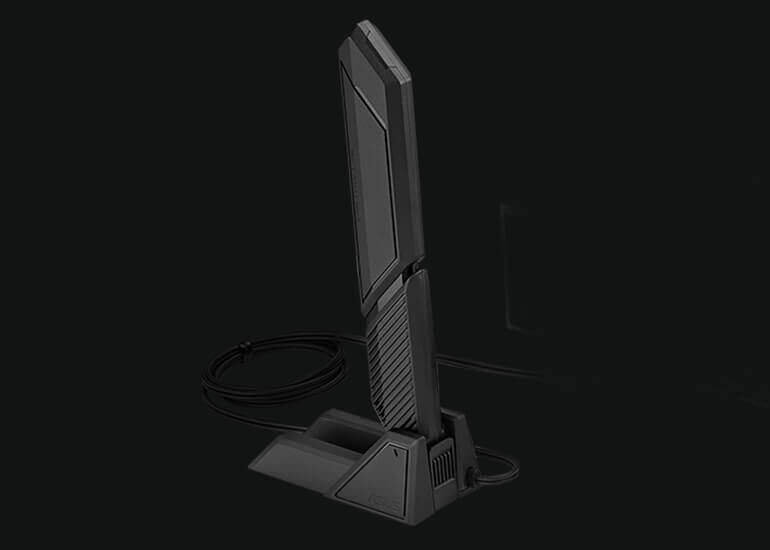
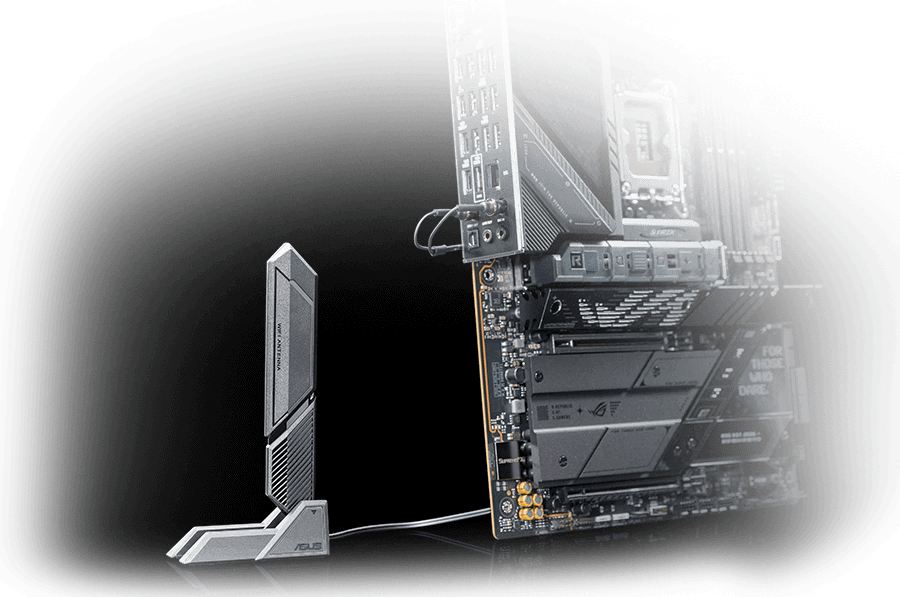
Dual transceivers support the 2.4, 5 and 6 GHz bands to enable faster throughput, with directional sensitivity to improve signal quality and cover greater distances.
Disclaimer: The availability of WiFi 7 varies according to regional regulations.
Versus previous-generation antenna
Up to +6%
6GHz
Up to +18%
5/2.4 GHz
Low-latency gaming, speedy file transfers, and high-resolution video streaming are among the many perks of onboard Realtek 5Gb Ethernet.
The ROG Strix Z890-E features seven onboard M.2 slots, three of which are PCIe 5.0-ready to offer blistering 16 GB/s speeds, while the others offer still-impressive 8 GB/s over PCIe 4.0 interfaces.
ROG M.2 PowerBoost is an exclusive ASUS motherboard feature that provides amperage exceeding industry standards, enabling all M.2 slots to operate simultaneously at optimal performance. This advanced power setup helps ensure stability and data integrity even under high loads, while also helping to ensure the rated lifespan of an M.2 SSD.
The first x16 expansion slot has the PCIe 5.0 treatment to offer incredible speeds up to 64 GB/s for compatible devices, with full support for next-gen graphics cards. To bear the brunt of massive graphics cards, it is also protected with SafeSlot retention bracket and can be released easily thanks to the PCIe Slot Q-Release Slim.
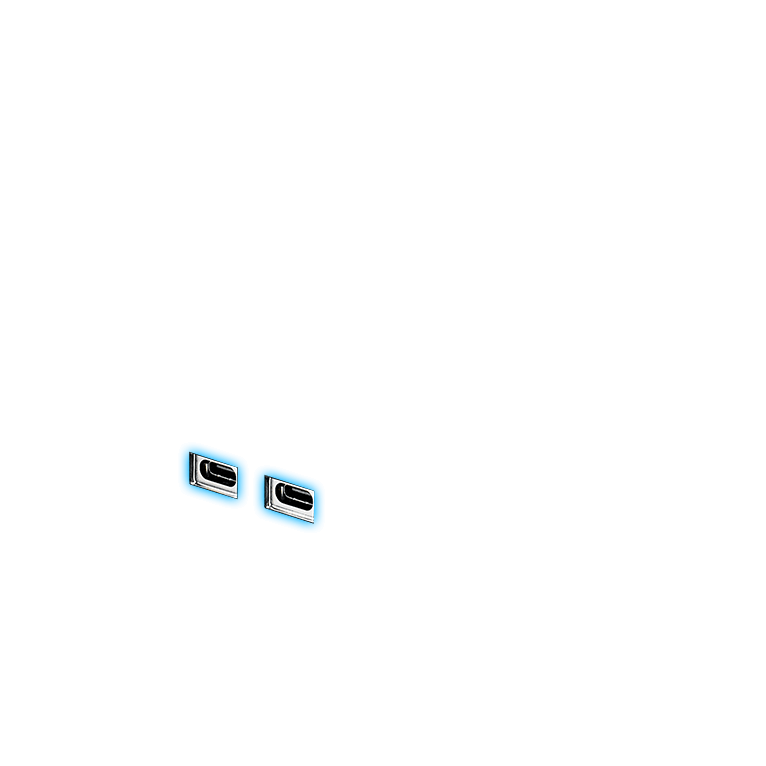
Each port delivers up to 40 Gbps of bidirectional bandwidth for the latest super-speed devices and drives. Both ports can be employed for up to two external 4K displays, and PCIe bandwidth extends to up to 32 Gbps.
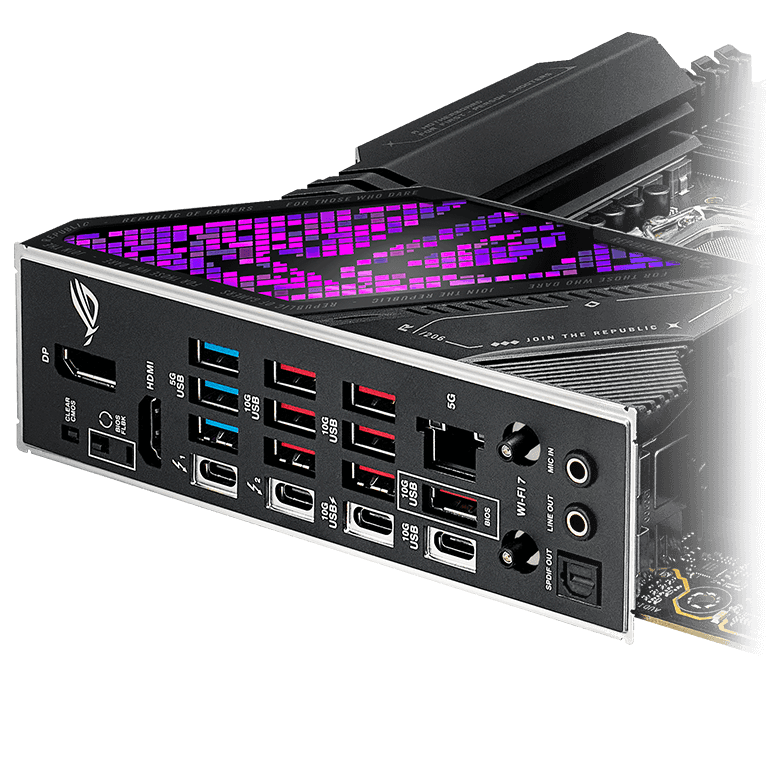
USB Wattage Watcher allows users to monitor the current wattage delivered to a device connected to the USB 10Gbps Type-C® rear I/O port. With USB Wattage Watcher, users can glance at their device's charging wattage in real-time and check on their device’s Fast-Charging status.


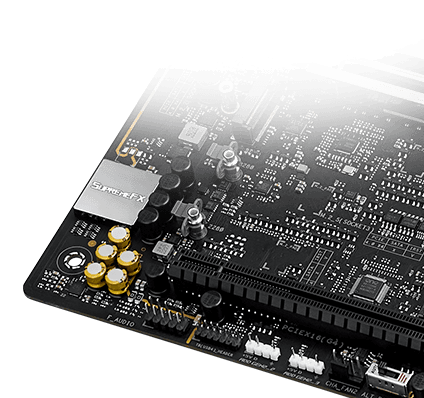
ROG and Dolby® have partnered to bring superior gaming audio quality to users. Dolby Atmos expands on traditional surround sound systems by adding height channels, which enables immersive three-dimensional audio to be perceived from above, below and around the listener.
ROG SupremeFX is a unique blend of hardware and software technologies that provide superior audio. The Strix Z890-E implementation features the ALC4080 codec for high-resolution playback up to 32-bit/384 kHz across all channels. Front-panel output is streamed through the integrated Savitech amplifier that can drive high-fidelity acoustics to a wide variety of speakers and headsets.
››› Learn more about ROG audio technology
A specially designed circuit separation reduces electromagnetic interference from the motherboard and attached devices for cleaner audio.
The integrated Hi-Fi Savitech amplifier holds up its end of the signal path with imperceptible levels of distortion at -90dB THD+N and a signal-to-noise ratio of 110dB for extremely clean output.
Instead of the conventional high definition audio (HDA) interface, the ALC4080 codec uses a USB interface to deliver studio-level sound reaching up to 32-bit 384 kHz audio resolution.
A metal cover protects against electromagnetic interference, preserving the integrity of audio signals to ensure the best sound quality.
High-quality components produce a warmer, more natural sound with exceptional clarity and fidelity.


 EZ PC DIY
With PCIe® Slot Q-Release Slim, simply tilt the card toward the latching mechanism to automatically unlock it from the PCIe slot. This makes upgrades and maintenance easier than ever before. Users will no longer need to fiddle with a tricky latch or even press a button to release their graphics card from the slot.
The M.2 heatsink features a convenient switch* to quickly remove it, eliminating the need for tiny screws during SSD installation. Its strong locking mechanism also provides a snug contact surface, helping to ensure reliable heat dissipation for your SSD.
*Switch may be a lever or button, depending on motherboard model.
This new sliding M.2 latch design supports sizes 2242, 2260 and 2280 for easy device installation.
The new Q-Latch design allows for tool-free installation or removal of M.2 SSDs with just one press.
With Q-Antenna, attaching a WiFi antenna to your PC is now easy and fast. Instead of slowly rotating two fasteners until they finally lock in, they just snap into place. Less hassle, and more consistent performance.
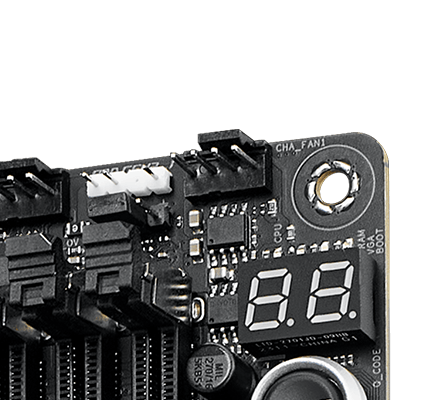
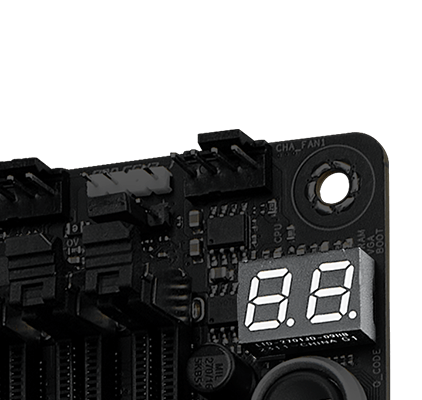
The on-board LED panel shows 2-digit diagnostic codes, providing a valuable reference for troubleshooting common boot problems and hardware issues.
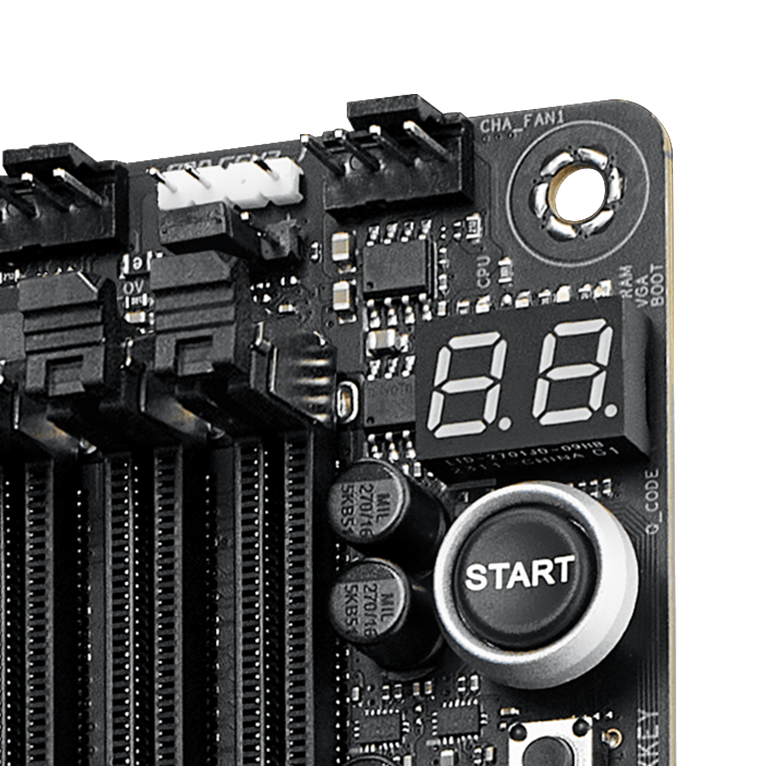
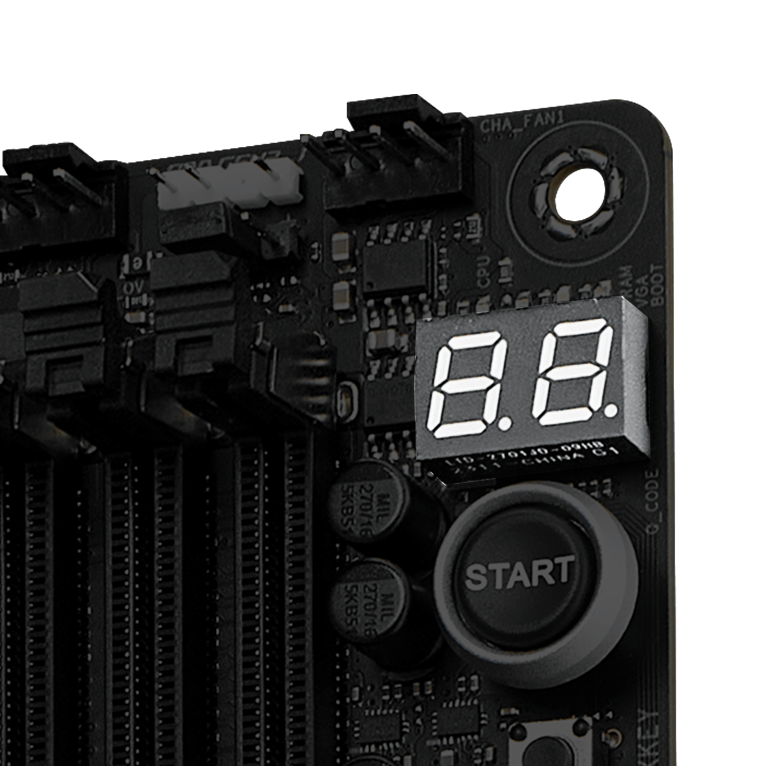
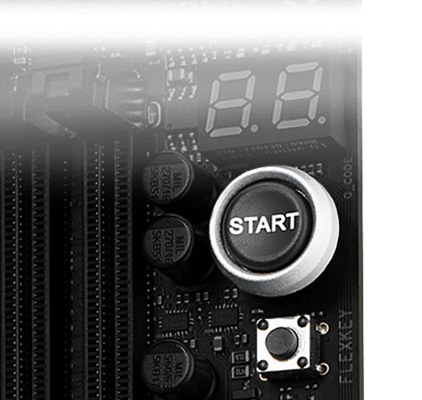
This convenient button removes the need to manually jump hard-to-reach pins during testing
The FlexKey button defaults to resetting your PC when pressed, but it can perform other quick-access function such as toggling Aura


The on-board Q-LED troubleshooting lights give PC builders a quick indicator to confirm that key components - CPU, RAM, graphics card, storage devices - are functioning normally during startup. Builders can use the Q-LED feature to correct power delivery issues affecting their motherboard, and it can also alert them when memory modules have not been properly installed--even before attempting to boot a newly built PC.
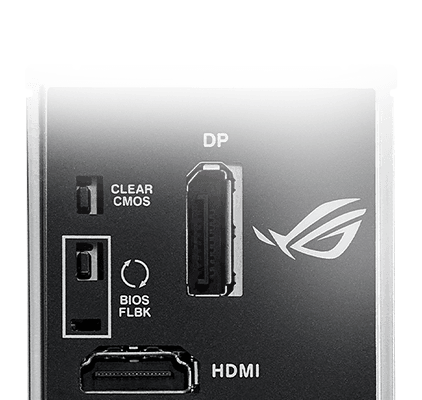
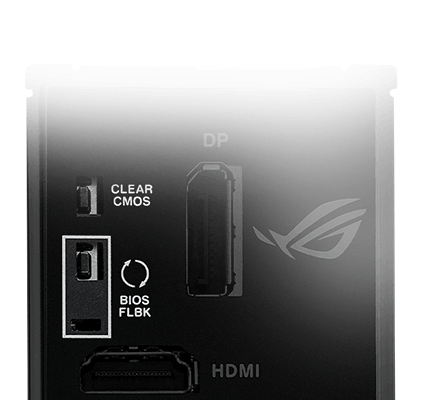
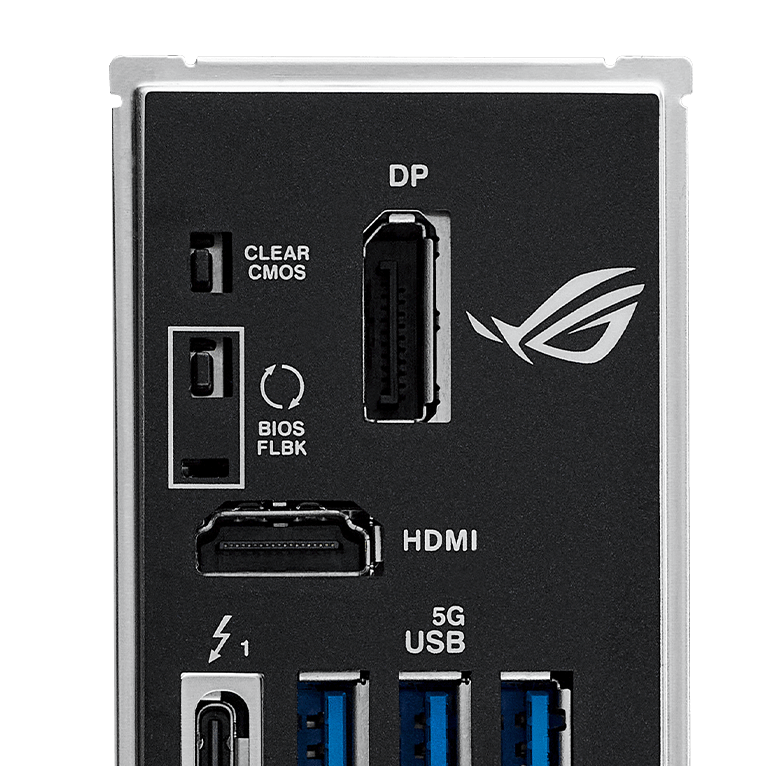
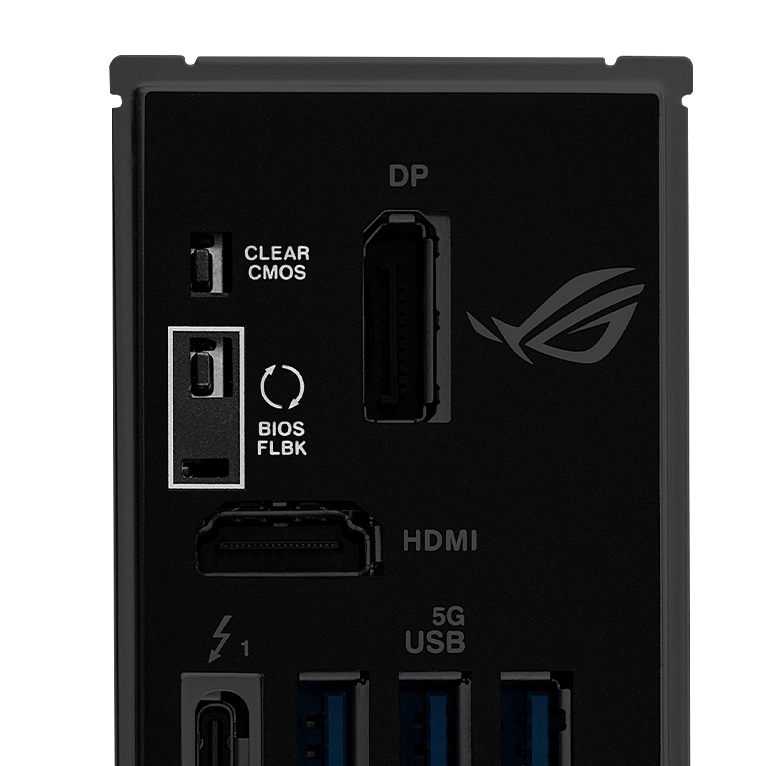
The Clear CMOS button quickly resets BIOS settings to factory default. It can also be used to reboot the PC if incorrect BIOS settings have been selected.
BIOS FlashBack™ is a safe and simple way to update BIOS. Just drop the (UEFI) BIOS file onto a FAT32-formatted USB stick, plug it into the USB BIOS FlashBack port, and press the button. Updates can even be performed without having memory or a CPU installed.
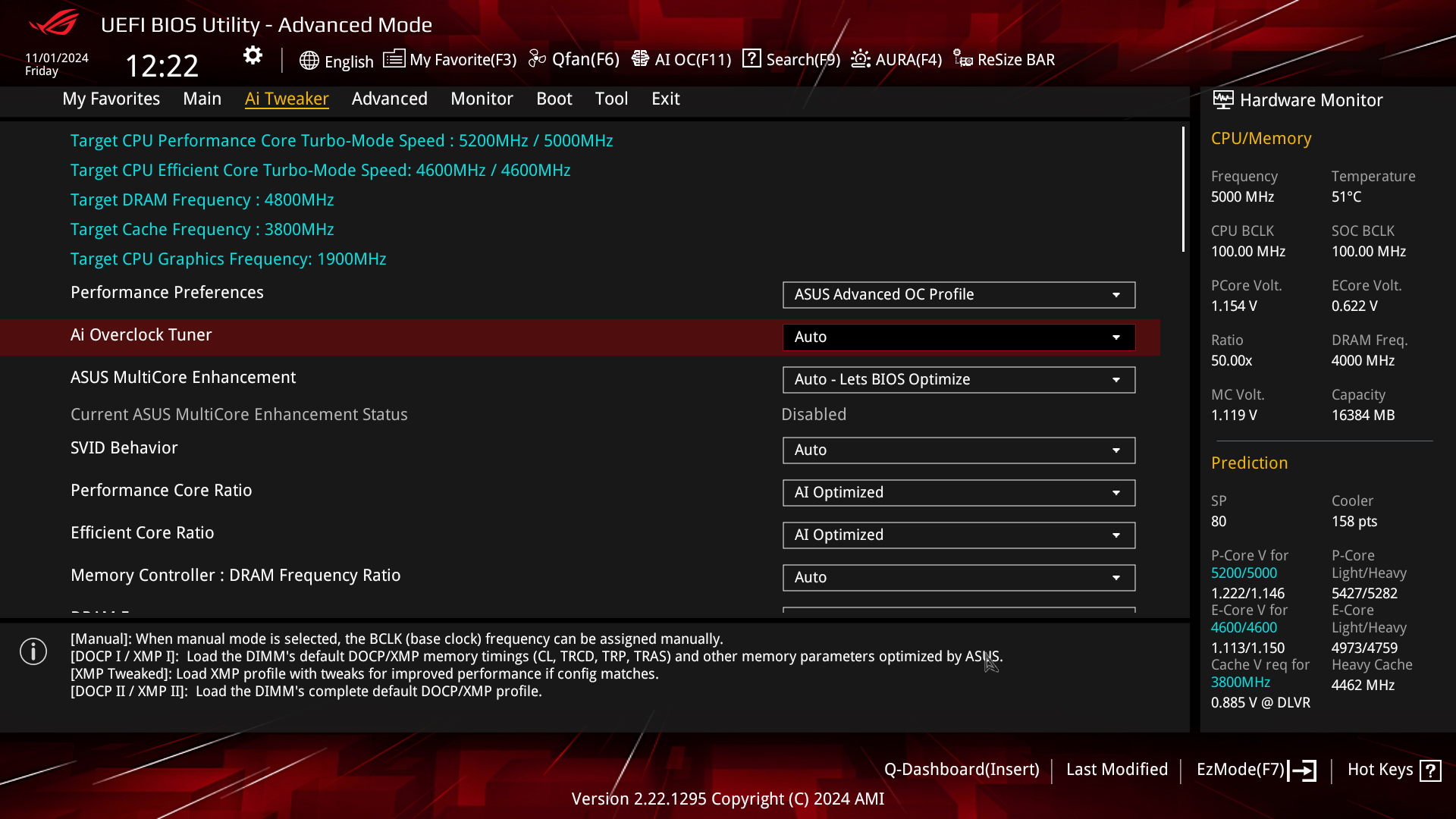
 BIOS
BIOSSimplify your motherboard configuration with BIOS
The renowned ROG UEFI (BIOS) provides everything you need to configure, tweak, and tune your rig. It offers intelligently simplified options for newcomers to PC DIY, as well as more comprehensive features for seasoned veterans.
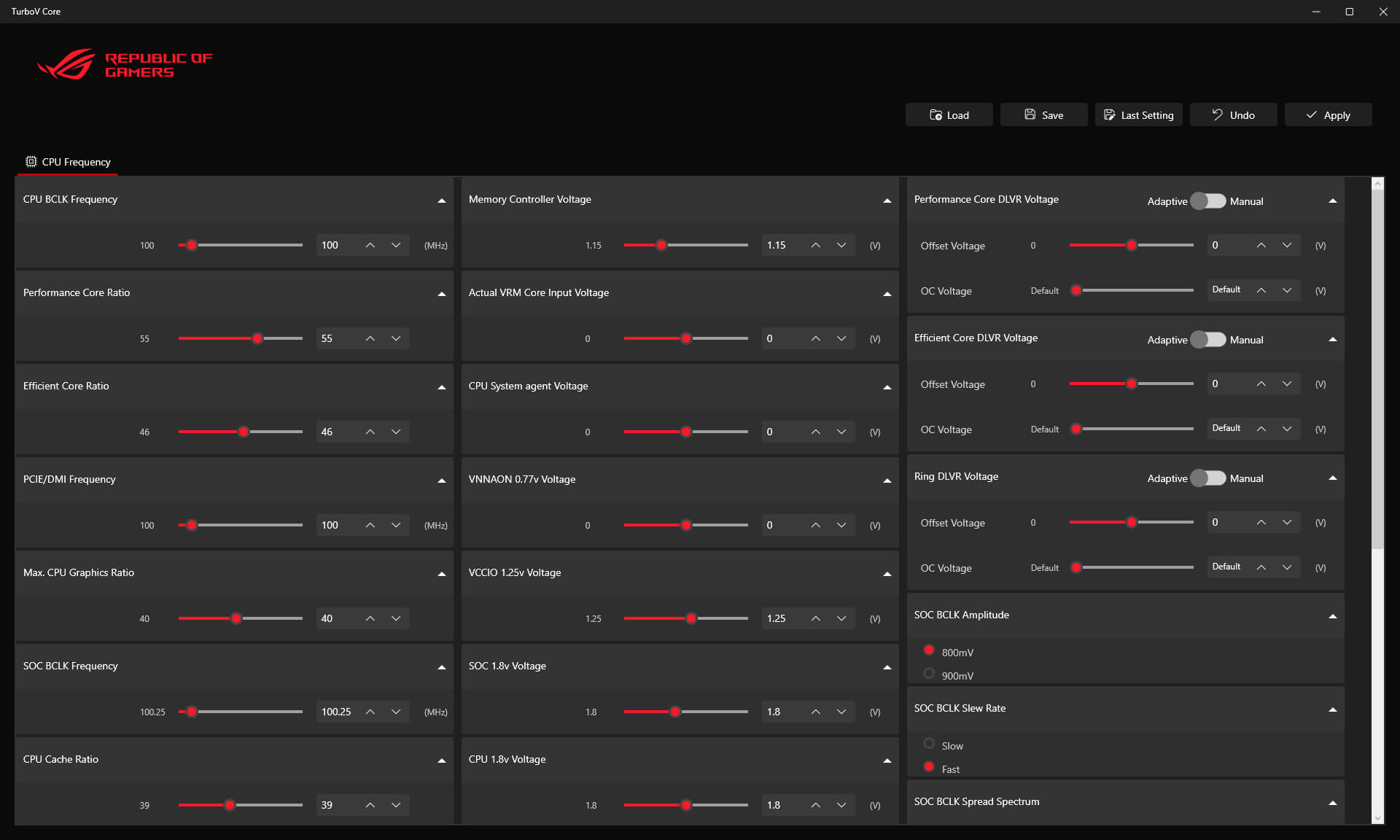
 SOFTWARE UTILITIES
Intuitive overclocking within Windows. No BIOS interface, no reboots. Simple and swift performance tuning at your fingertips.

ASUS GlideX is a cross-device, cross-platform screen-sharing, screen-control and operation solution for enhanced productivity across PCs, tablets, and smartphones via USB or WiFi. Features include screen mirroring, screen extension, unified control with one keyboard and mouse, easy file transfers, and using mobile cameras as PC webcams. It's compatible with Windows, macOS, Android, and iOS.

Mirror

Extend(PC to Mobile)
Extend(PC to PC)

Unify Control
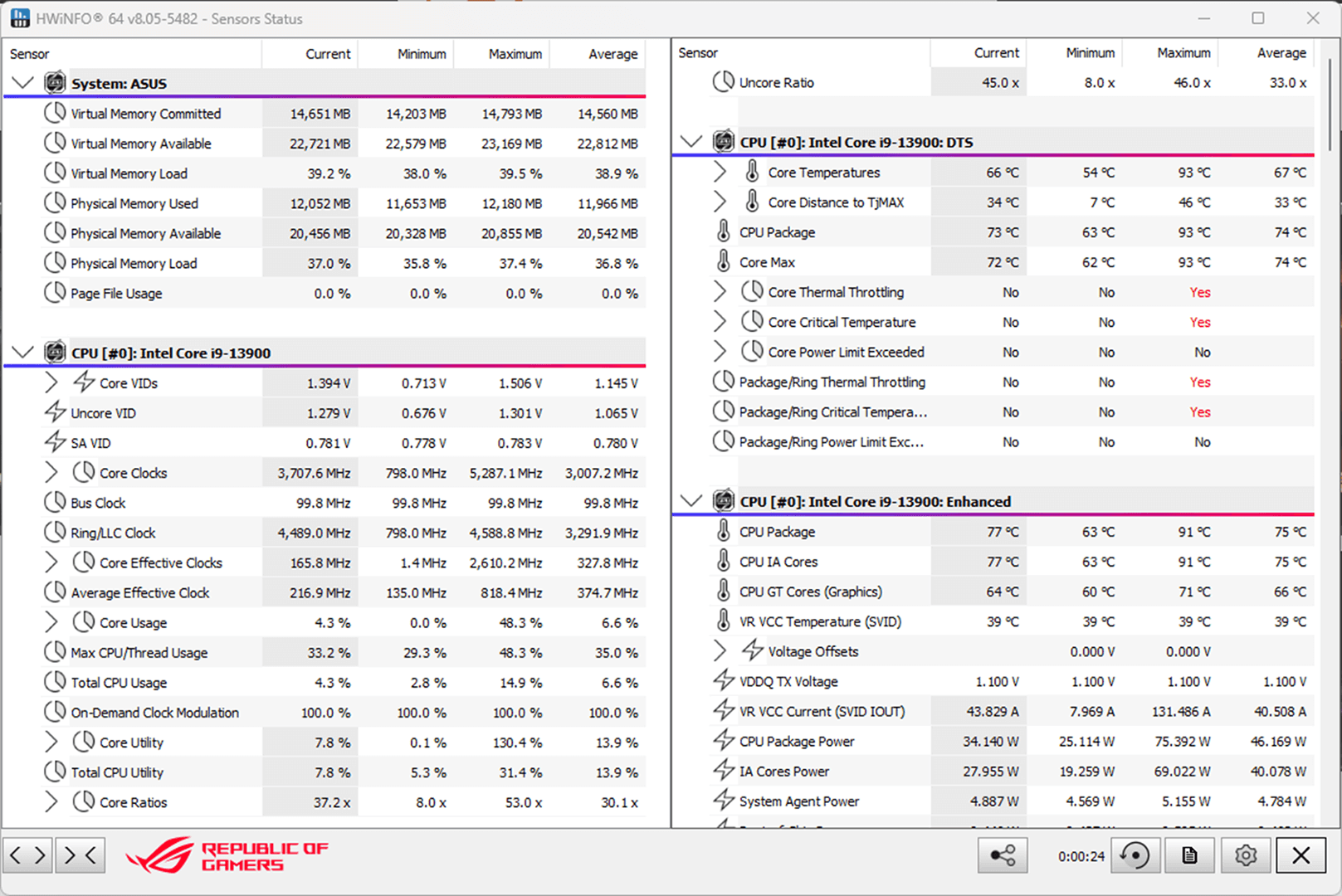
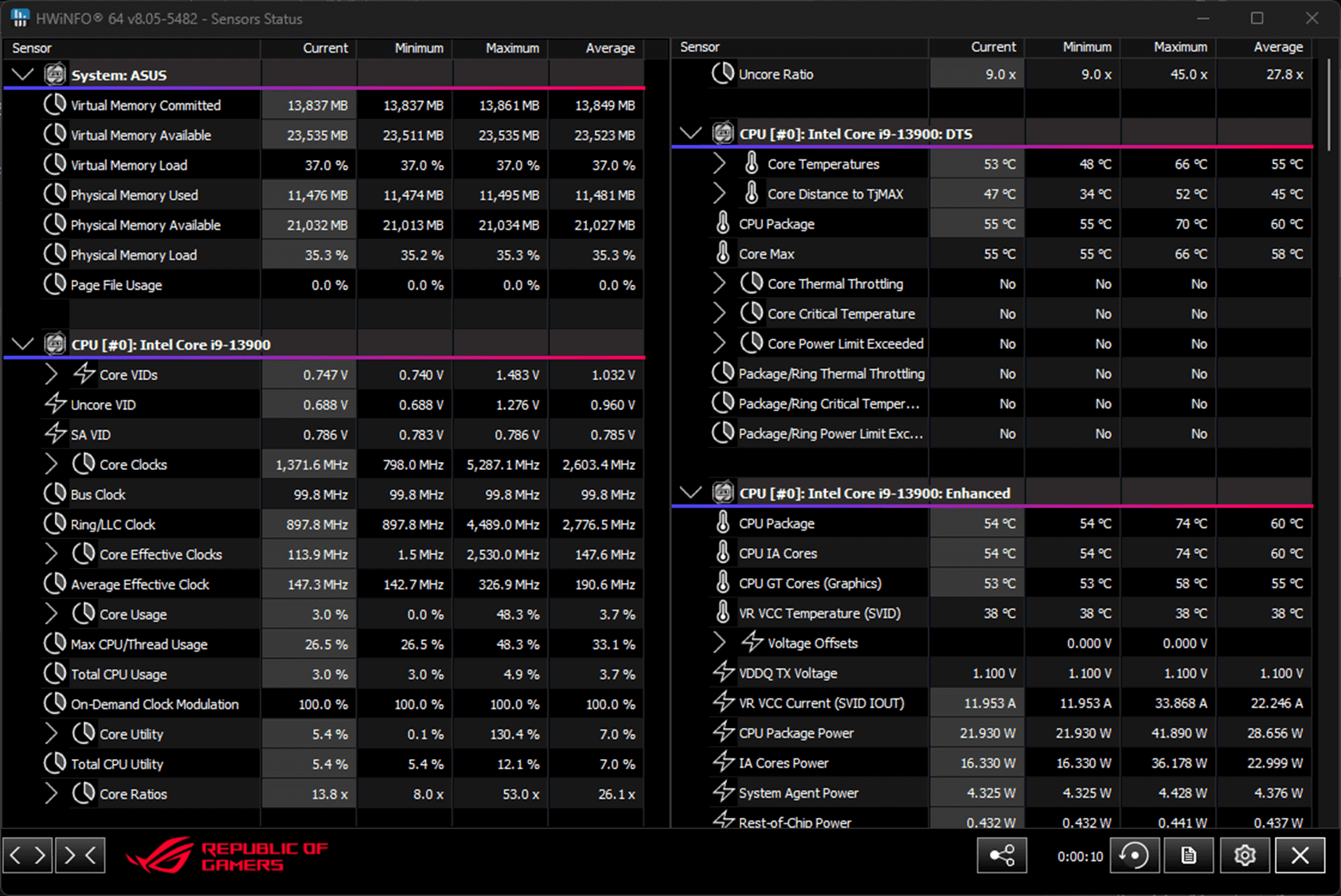
HWiNFO and ROG have collaborated on this comprehensive system information and diagnostic tool that provides detailed information about hardware components and real-time monitoring of system performance in ROG style. It supports a wide range of hardware devices, and it is regularly updated to include the latest technologies.
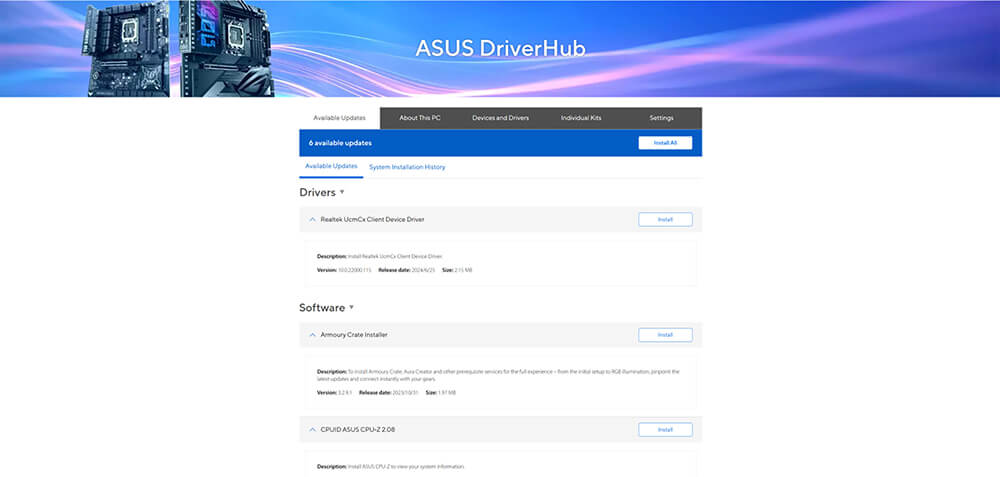
ASUS DriverHub streamlines the installation and management of ASUS drivers and utilities to keep your hardware up-to-date and performing optimally. This standalone application automatically detects current driver versions and presents available updates in a list view. By default, it supports ASUS motherboards, and users are invited to install ASUS DriverHub after OS installation. Additionally, ASUS DriverHub offers one-click installation and update checks, making it easier for users to keep their systems running smoothly and efficiently.
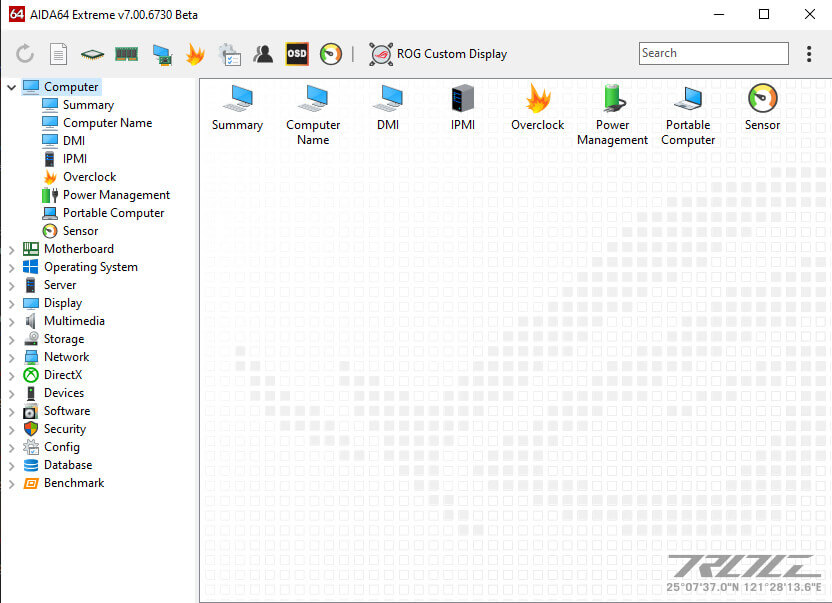
The ROG Strix Z890-E includes a sixty-day AIDA64 Extreme subscription, a tool that provides detailed information about hardware and software, as well as benchmarks to measure the performance of the entire system or individual components. AIDA64 Extreme includes a monitoring and diagnostics feature to detect and prevent hardware issues. All vital system sensors can be tracked in real time, allowing voltage readings, fan speeds, and temperature information to be displayed on the desktop or sent to dedicated displays or to the LCD panels of ROG AIO liquid coolers*.
*Support available for ROG Ryujin II and later models.
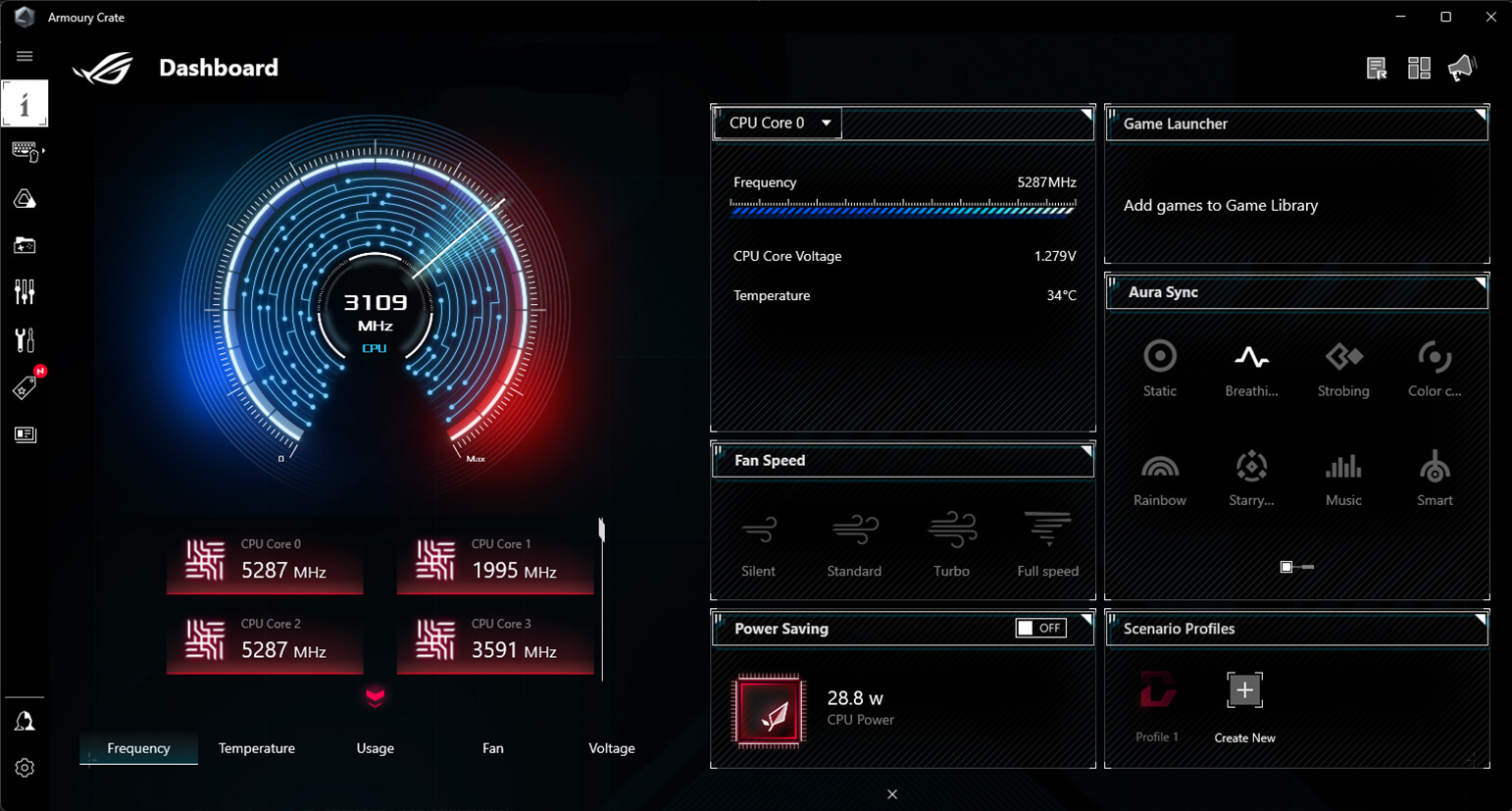
Armoury Crate is a software utility designed to give you centralized control of supported gaming products, making it easy to tune the look and feel of your system. From a single intuitive interface, Armoury Crate helps you customize RGB lighting and effects for compatible devices and synchronize them with Aura Sync to create a unified lighting scheme across your system. In addition, Armoury Crate’s Fan Xpert4 tool provides comprehensive control over fans, water pumps, and all-in-one (AIO) coolers.
Accessed via ASUS DriverHub, TurboV Core delivers intuitive CPU tuning that can unleash performance for overclocking enthusiasts. No need to enter the BIOS – you can seamlessly modify settings directly from within Windows and apply them right away, without needing to reboot. TurboV Core is engineered to elevate system capabilities, with unprecedented simplicity.


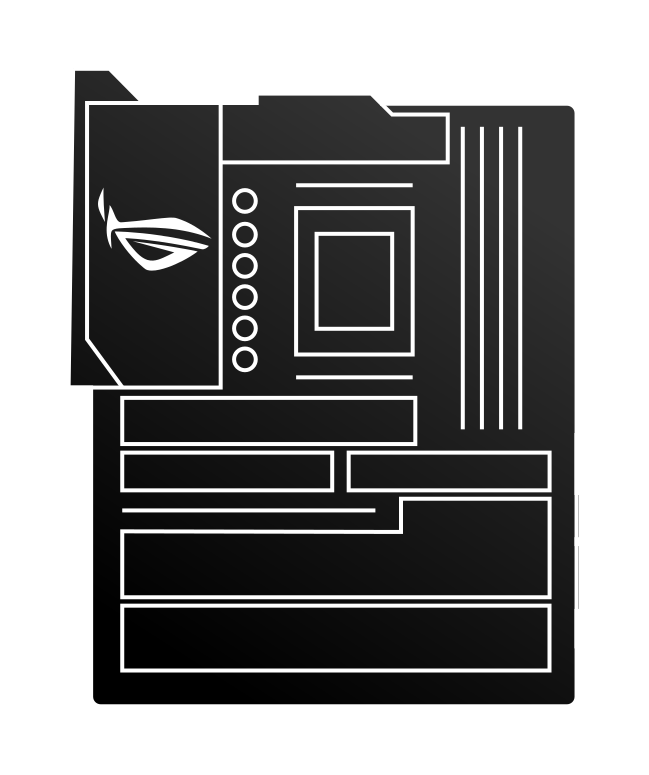
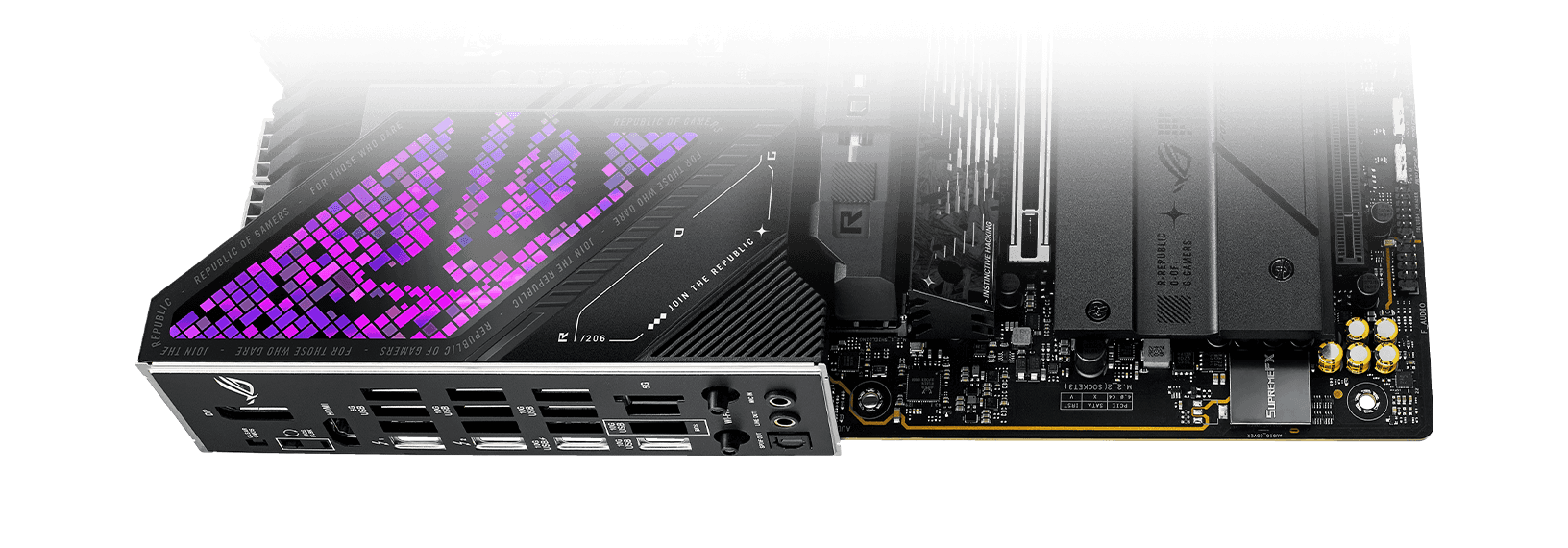
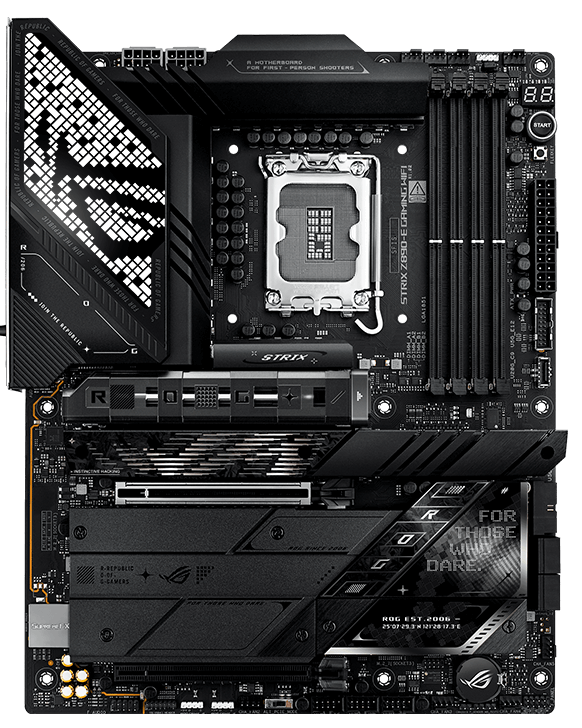
The ROG Strix Z890-E boasts a sleek, understated design that enables easy integration with a variety of system components. Its deep black PCB and metallic heatsinks create a bold, intense aesthetic, while the Polymo Lighting on the I/O shroud adds a customizable touch of RGB, so you can keep things subtle or make a statement.
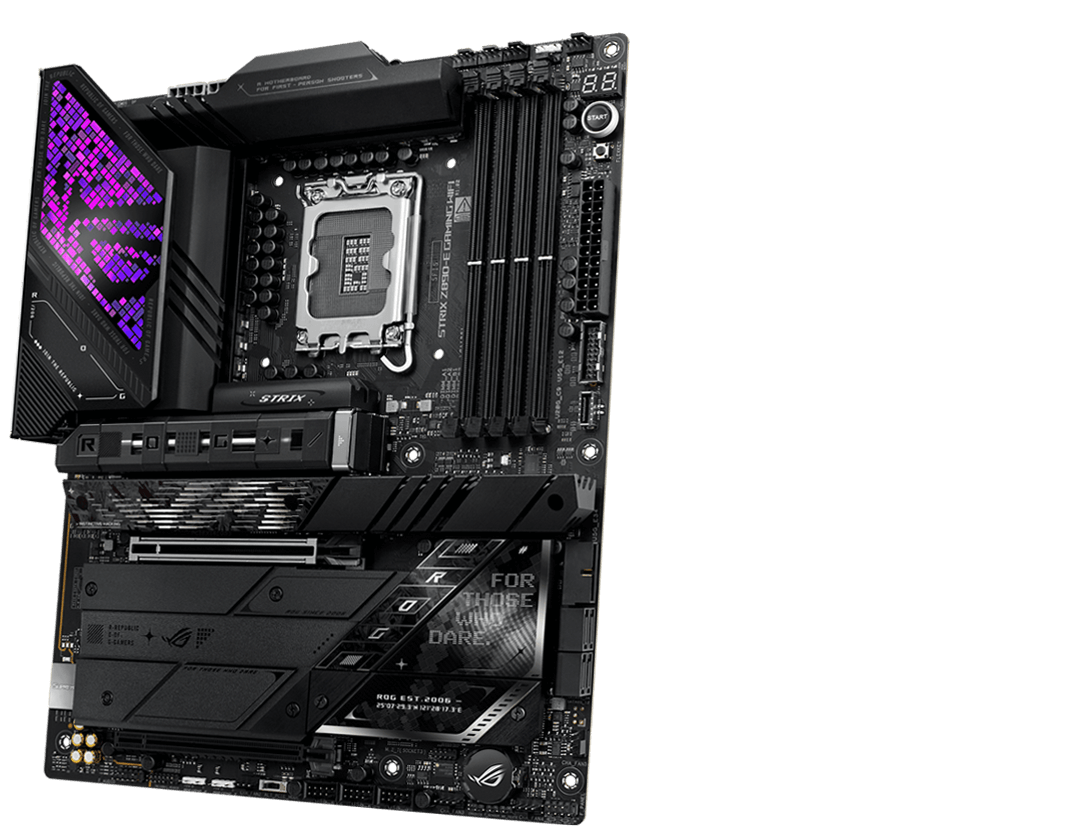

ROG Strix Z790-A Gaming WiFi
ROG Strix motherboards feature ASUS Aura technology, enabling full lighting control and a variety of presets for both onboard RGB LEDs and third-party accessories. Effects can be easily synced across compatible ROG graphics cards, monitors, keyboards, and mice to give your setup a unified look.
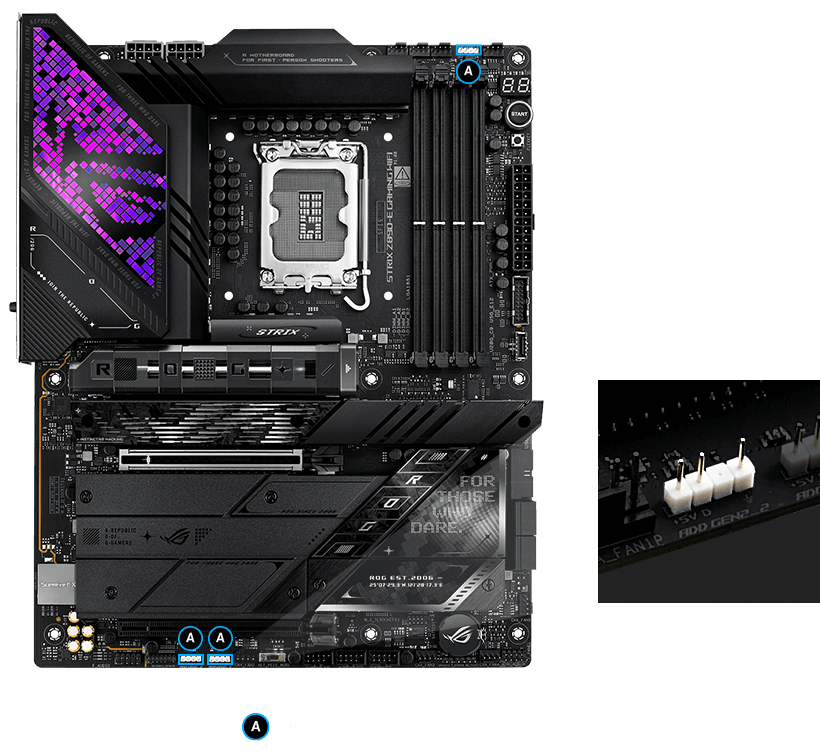
The ROG Strix Z890-E features onboard Gen 2 RGB headers that automatically optimize lighting effects for the number of LEDs present in compatible ARGB gear. The headers are also fully backwards compatible with Gen 1 RGB devices, giving you flexibility to light up as you choose.
ASUS AIO coolers offer robust performance, high overclocking potential, bold aesthetics and customizable functionality for Z890 motherboards, empowering you to build your dream gaming rig.
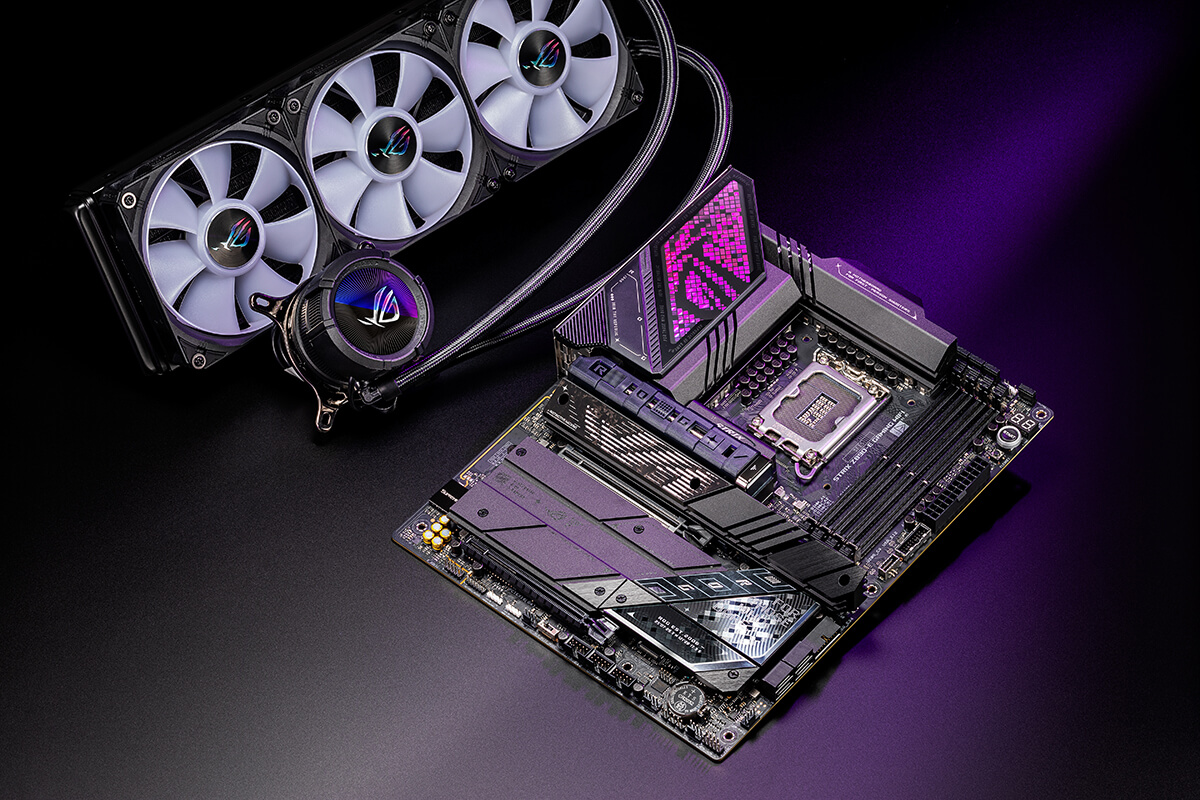
Level up your game with ROG Strix. Enjoy complimentary aesthetics, control, and compatibility across AIO coolers, cases, peripherals, and much more. ROG offers more choices than any other brand.
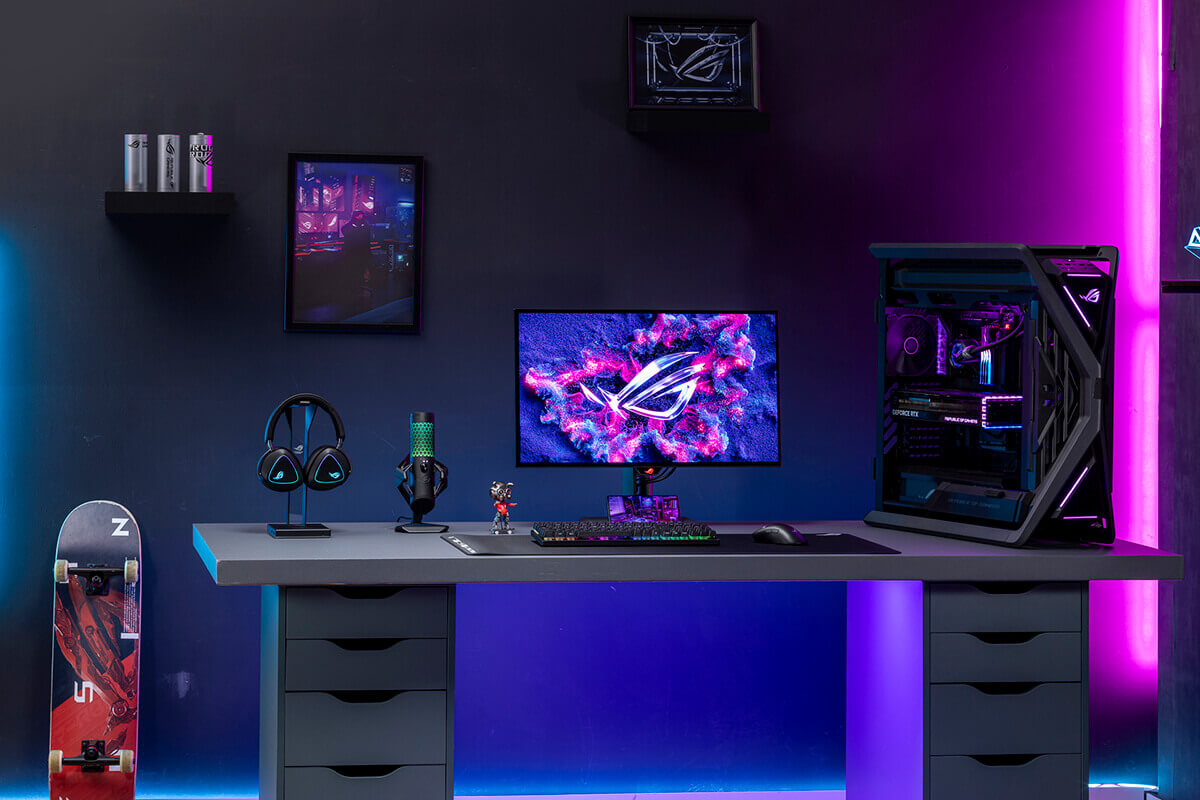






We at the Republic of Gamers are on a mission to create a sustainable future where all gamers can flourish on the planet we call home.
Every step counts, and as part of ROG’s commitment to creating a more sustainable future, ROG has begun to utilize post-consumer recycled (PCR) plastic and paper materials certified by the Forest Stewardship Council (FSC™) in the packaging of motherboard.
UNBOXING ASUS ROG STRIX Z890-E GAMING WIFI | ROG STRIX Z890-I GAMING WIFI | PRIME Z890-M PLUS WIFI
We had only positive impressions of the motherboard, it is powerful and functional and will survive more than one future upgrade if necessary
ASUS ROG STRIX Z890-E GAMING WIFI literally has all the possible functionality, except for Thunderbolt 5 or a 10-gigabit LAN controller. When interacting with it, you realize that every detail is thought out at the highest level, but this is accompanied by a corresponding price that is not very affordable for the average user.
Core Ultra 7 265K and Strix Z890 motherboard review
Unboxing & Review ASUS ROG STRIX Z890 E Gaming WIFI | For Intel CORE ULTRA ?
Unbox Z890 TUF Gaming vs Z890 ROGStrix: What Gamers Need ASUS Has It All For Intel Core Ultra CPU
Sitting with Iced Tea and Talking Intel Core Ultra @tiensuthay
Drink iced tea and discuss some issues with the latest Intel Core Ultra! // Doctor Teacher
IS THIS CASE worth 100 CUBS, BROTHERS ^^
ROG Strix vs Extreme vs Apex vs Hero: What's the difference between ROG gaming motherboards?
ROG Z890 motherboard guide: meet the new contenders for your next gaming rig

Disclaimer
Hola!
Aquí podrás navegar y comprar tal y como lo harías en la web de la tienda o marca desde la península. Tu
experiencia de compra y el surtido al que podrás acceder será exactamente la misma. Syniva solo actúa como
intermediario para poder llevarte el pedido a canarias y puedas ahorrarte el IVA.
Escoge el producto que quieras y añádelo al carrito, te mostraremos el PVP de península y el de Syniva
descontándote el IVA. Así podrás ver claramente lo que te ahorras. El total del resumen de compra incluye todos
los gastos por lo que ¡No te llevarás ninguna “sorpresa” al recibir tu pedido!
Ten encuenta que navegas en la web que la marca o tienda online ofrece a los residentes de la península y es
posible que veas información o condiciones específicas para ese territorio. Recuerda que tienes toda la información
de Syniva en el apartado de ayuda: métodos y costes de envío, métodos de pago y cualquier información relativa a
los servicios de Syniva . Para cualquier consulta puedes ir al apartado de Faqs del menú ayuda o escribirnos a
[email protected]
¡Disfruta de tus compras!