Download 3D-Printable Parts Now
Make it your own: The ASUS 3D Printing Project
ASUS welcomes a new era of PC customization by being the first motherboard brand to support 3D-printable parts, an initiative that allows hobbyists, enthusiasts and modders to add unique modifications to their ROG Strix X99 Gaming and ROG Rampage V Edition 10 motherboards. These boards feature easily swappable parts, enabling passionate DIYers to design and 3D-print their own replacement name plates and logos in a variety of colors and materials to match their themed builds. This exciting development brings a whole new world of personalization to the DIY PC experience.
Join the community and discuss or contribute with your designs here!
Z170 Pro Gaming AURA - Cable Cover
Function: Covers cables from power supply connector and RGB strips
How to fix: Use standoffs on the motherboards chassis mounting holes
Direct Link


Z170 Pro Gaming AURA - I/O cover
Function: Personalize your motherboard
How to fix: Use standoffs on the motherboards chassis mounting holes
Direct Link


Z170 Pro Gaming AURA - M.2 fan holder
Function: 40x40mm fan holder to cool down the M.2 surface area
How to fix: Use standoffs over 6.5mm in height to attach the fan mount to the motherboard
Direct Link


Cable combs
Function: 24pins for a neater cable management
How to fix: Clip the cable in the cable comb
Direct Link


SLI bridge cover
Function: 3-way SLI HB bridge customization
How to fix: Clip the cover on the SLI bridge (glue or tape isn't needed)
Direct Link


ROG Rampage V Edition 10 - ROG logo
Limitation: We recommend to not use metal materials as it too thick to be able to clip it on
How to fix: Clip it on
Direct link
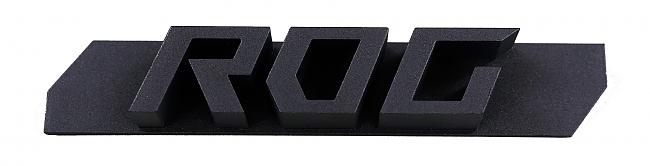
ROG Strix X99 Gaming – ROG logo on PCH cover
No limitations
How to fix: Double sided tape
Direct Link
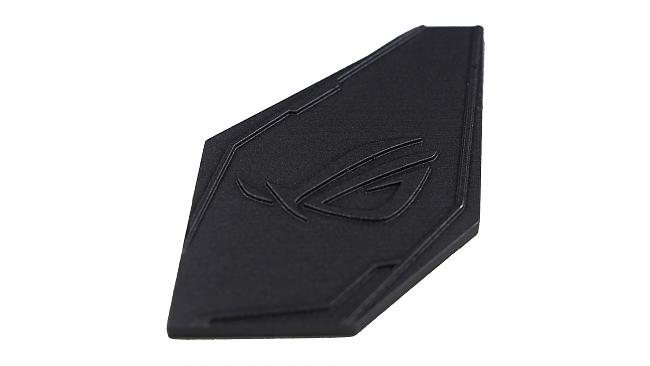
ROG Strix X99 Gaming – Strix logo on I/O cover
No limitations
How to fix: Double sided tape
Direct Download
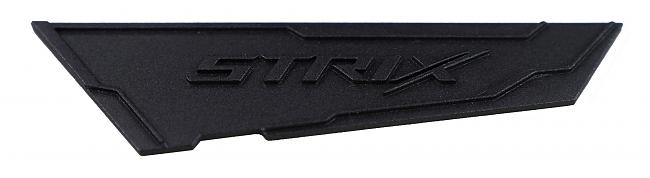
ROG Strix X99 Gaming - Nameplate
No limitations
How to fix: Double sided tape
Direct Download
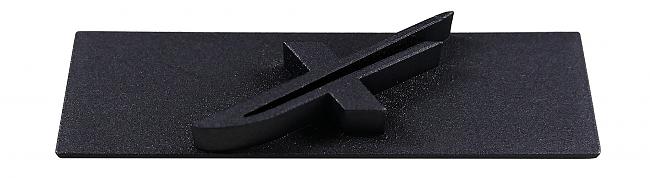
TUF Sabertooth Z170 Mark 1- Original TUF badge
Suggest not to use FDM technology
How to fix: Double sided tape
Direct Download
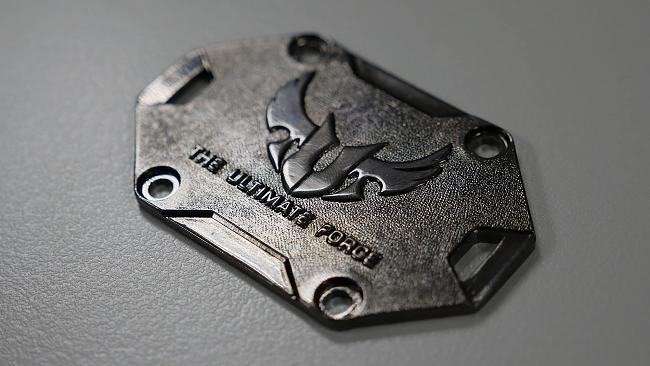
For more pictures, and info, click here.
Author
Popular Posts
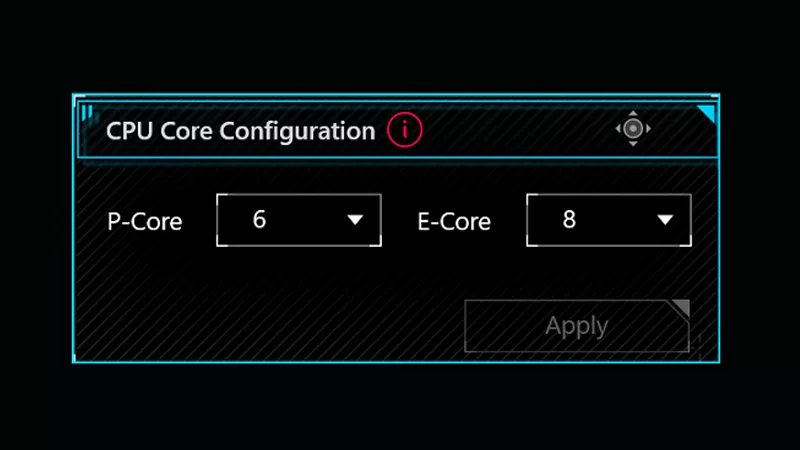
How to adjust your laptop's P-Cores and E-Cores for better performance and battery life

The ROG XREAL R1 gaming glasses let you game anywhere on a 171-inch 240Hz virtual screen

How to Cleanly Uninstall and Reinstall Armoury Crate

The ROG Strix OLED XG259QWPG Ace is a tournament-ready OLED designed for esports pros
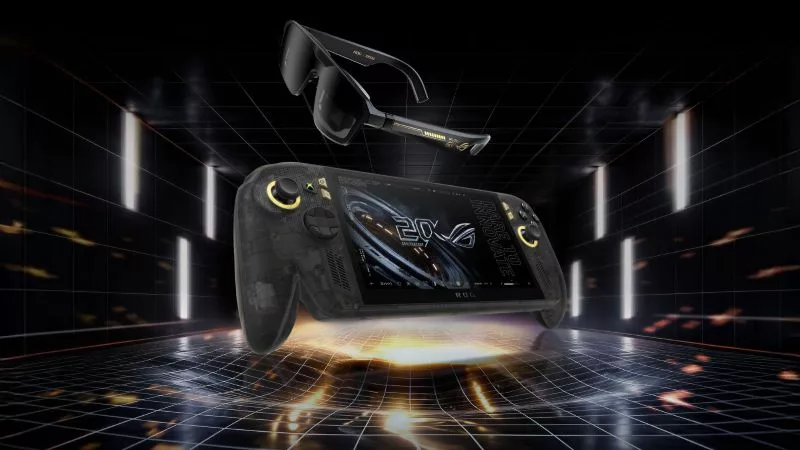
Brighter, bolder, better: The ROG XBOX Ally X20 bundles a larger OLED display with AR gaming glasses
LATEST ARTICLES
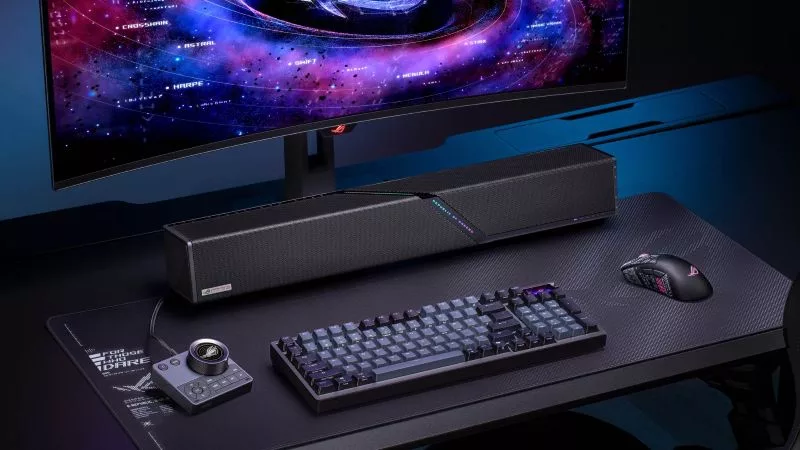
The ROG Gjallar Gaming Soundbar delivers the immersive sound your games deserve
The ROG Gjallar Gaming Soundbar delivers bold, room-filling audio from a sleek, compact design that fits naturally beneath your monitor or TV.

ROG powers the pros as the official PC sponsor of the LCK Finals Hong Kong
At ROG, we’re all about gamers competing at the highest level. That’s why we’re proud to be the official PC sponsor of the LCK Finals Hong Kong.

Get Resident Evil Requiem when you buy an RTX 50 Series graphics card, laptop, or desktop from ASUS and ROG
Unlock the latest chapter of the Resident Evil saga when you snag a GeForce RTX 50 Series graphics card, ROG laptop, or ROG prebuilt desktop.